22
Equipment requirements
• An accurate digital multimeter (accurate to 0.05 mV and ±0.1 μA)
Output calibration procedure
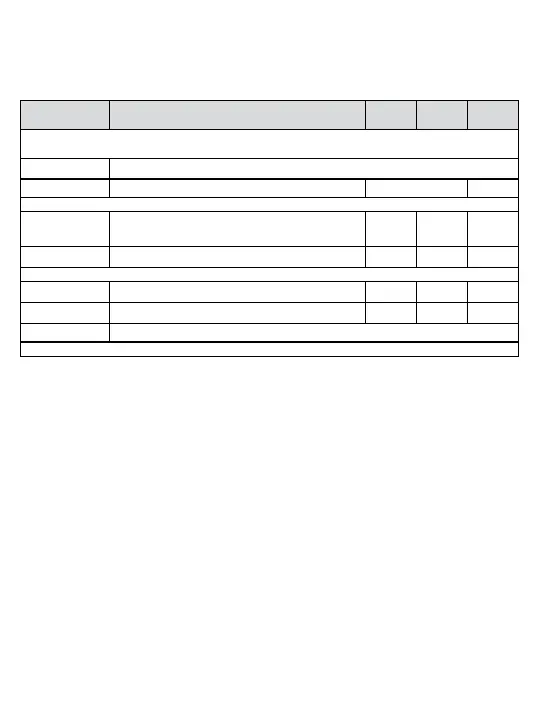
When the
display shows
Action/Description
ì Å
ENT
Allow fifteen minutes of powered operation (to reach a stable temperature).
Put the instrument in setup mode and scroll through the main menu
COPn
Press *.
COPy
Calibrate Outputs? Toggle Start
Measure the output current
I=0
Press *. The output current should be 0.00 mA
(Use the keypad to adjust the value as required)
Increase Decrease Accept
I=20
Press *. The output current should be 20.00 mA
Increase Decrease Accept
Measure the output voltage
E=0
Press *. The output voltage should be 0.00 V
Increase Decrease Accept
E=10
Press *. The output voltage should be 10.00 V
Increase Decrease Accept
Save
Instrument will save values and return to normal operation (using the new values).
Note: Do not remove the power while the save message is on display.



 To Next Page