Installation and Startup Guide
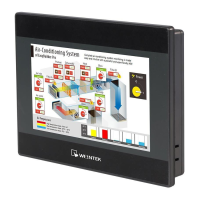
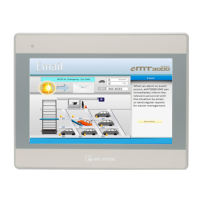
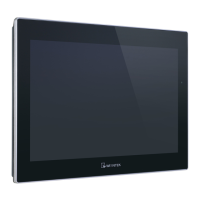
This document covers the installation of MT6071/8071/8101iE Series HMI, for the detailed
specifications and operation, please refer to Brochure and EasyBuilder Pro User Manual.
Install Environment:
MT6071/8071/8101iE Series HMI is NEMA 4 rated (Indoor Only).
MT6071/8071/8101iE Series has been tested to conform to European CE
requirements. This means that the circuitry is designed to resist the effects of
electrical noise. This does not guarantee noise immunity in severe cases. Proper
wire routing and grounding will insure proper operation.
Environmental
Considerations
(1) Make sure that the displays are installed correctly and that the operating
limits are followed. Avoid installing units in environments where severe
mechanical vibration or shocks are present.
(2) Do not operate the unit in areas subject to explosion hazards due to
flammable gases, vapors or dusts.
(3) Do not install the unit where acid gas, such as SO2 exists.
(4) This device should be mounted in the vertical position and for use on the flat
surface enclosure.
(5) Conform to UL508 (ISBN 0-7629-0404-6) machine safety for use in
Pollution Degree 2 Environment.
Unpacking the Unit
Unpack and check the delivery. If damage is found,
notify the supplier.
Installation Instructions
Secure the operator panel in position, using all the fastening holes and the provided brackets
and screws:
Power Connections
System Settings
When HMI is powered up and displays image,
click the system setting button.
(Default System Password: 111111)
It is necessary to connect the HMI to
your network through a RJ-45 cable.
(N/A for MT6071iE)
MT6071/8071/8101iE series
Installation Instruction
NOTE:
Place the operator panel on a stable
surface during installation. Dropping it or
letting it fall may cause damage.
NOTE: For the details of HMI
DIP SW function settings please
refer to Part 8 in this guide.
Go to the Network tab, you may choose
to auto get DHCP IP, or designate your
own IP.
NOTE:
1. Connect positive DC line to the ‘+’ terminal
and the DC ground to the ‘-’ terminal.
2. Please do not connect HMI with PLC and PC
simultaneously to prevent potential difference
from destroying USB ports of HMI and PC.
(1) Installation Instruction, 2-sided A4 *1
(2) Human Machine Interface *1
(4) Brackets & Screws *1 pack
(5) Fuse 1.25A/250V 5*20mm *1

 Need help?
 General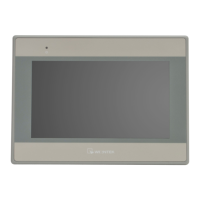

 To Next Page