Weiss Enginering Ltd. DSP501/DSP502
2.6 Selecting the input
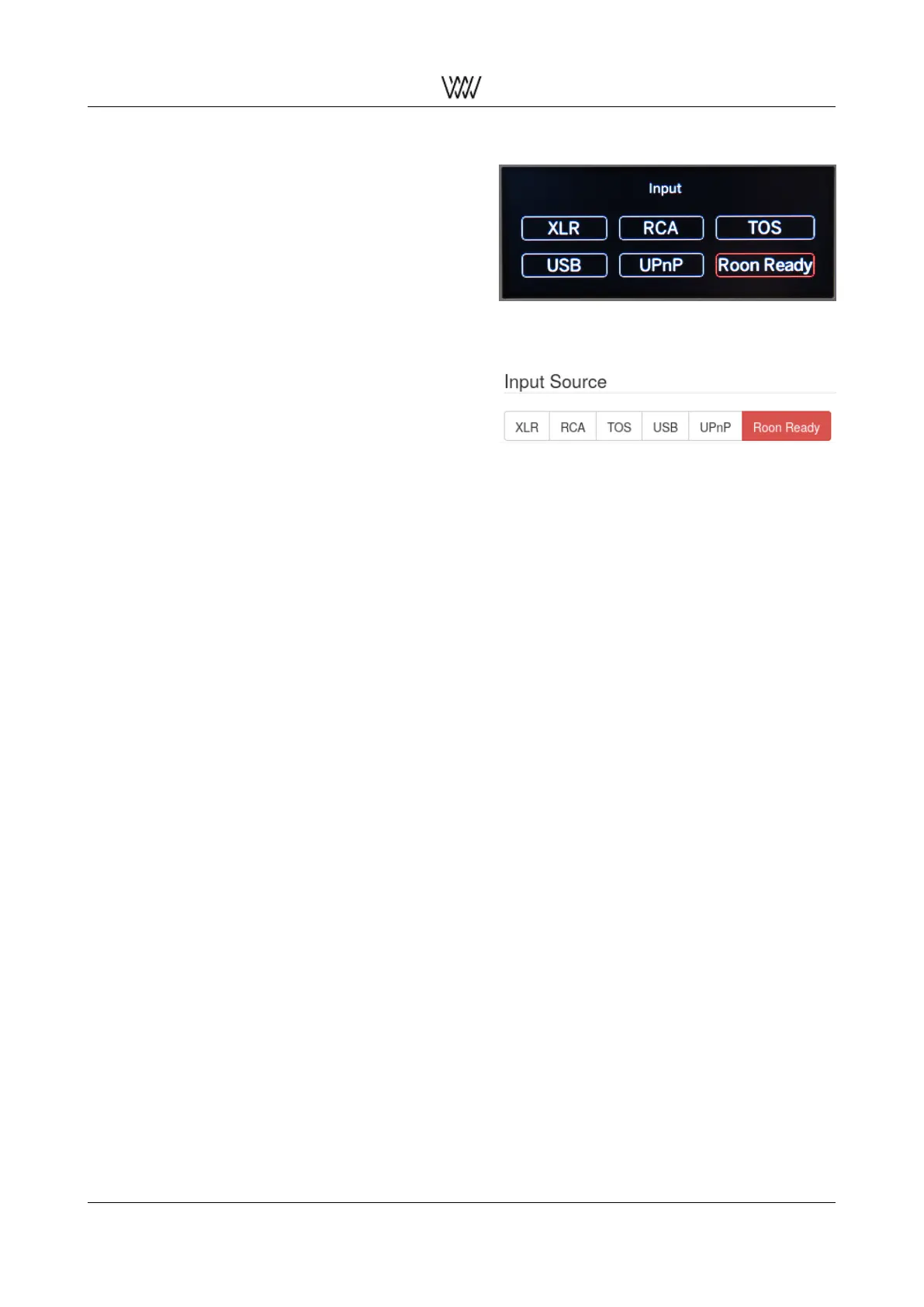
The input source can be selected by either tap-
ping on the input pad on the touch screen or via
the remote control. The following inputs can be
selected:
• XLR (XLR socket)
• RCA (RCA socket)
• TOS (optical socket)
• USB (USB type B socket (quadratic shape),
the type A socket is used for other purposes)
• UPnP (Ethernet socket)
• Roon Ready (Ethernet socket) (see 2.6.1)
Figure 9: Input selection of Roon Ready via LCD
menu
Figure 10: Input selection of Roon Ready via We-
binterface
The XLR, RCA and TOS inputs are self-explanatory.
USB input supports all operating systems:
macOS no driver required
Windows USB audio class device driver required (see downloads 2.9)
Linux no driver required
For the UPnP input an application running on a tablet can be used to transfer files from a NAS unit to the
DSP50x or to stream from e.g. Tidal directly to the DSP50x or to listen to web based radio stations. Suitable
apps are:
• for iPad: mconnectHD or Creation 5
• for Android: BubbleUPnP
2.6.1 Roon Ready
The Roon Core will acquire the Roon Ready Certified DSP501/DSP502 when required and automatically select
its Roon Ready input. No further user input is required.
The first steps with your DSP50x 5 Quick Start Guide



 To Next Page
 Loading...