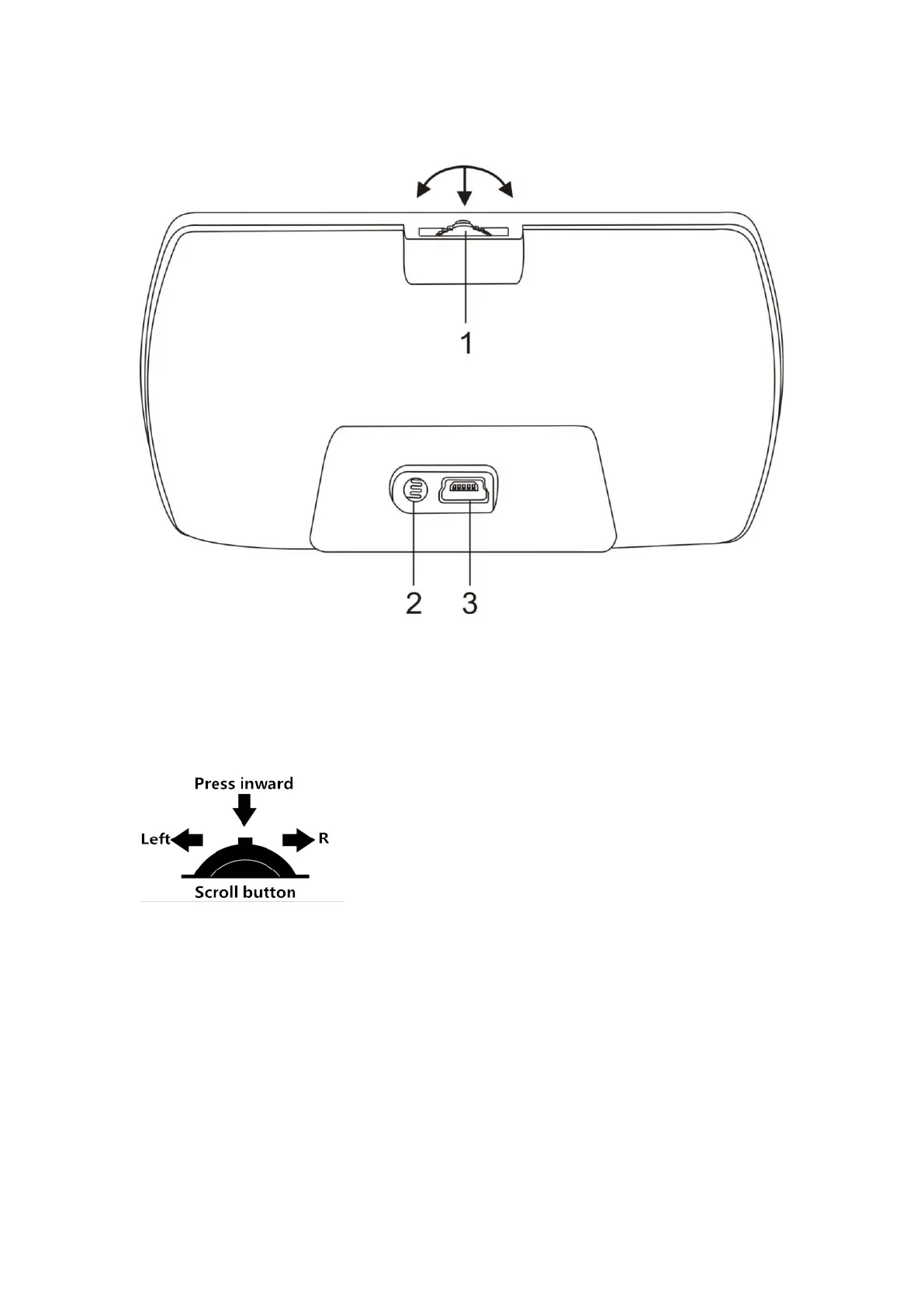
Key functions
1.Setting button:it can push left / right, short / long press in
2.Light sensor
3.Power interface
Button functions:
1. Short press in:(1) switch the display mode (2)confirm the menu after enter into
the menu
2. Push left:(1)switch between OBD and GPS system within 5 seconds after power
up(2)switch the left area functions(3)change the function setting after enter into the
menu
3. Push right:(1)switch the right area functions(2)change the function setting after
enter into the menu
4. Long press in:after enter into the menu and finish the setting,long press in for 5
seconds to keep and exit.



 To Next Page