HUD display three kinds of fuel consumption
a.Idle mode: HUD display Instantaneous fuel consumption per hour (L/H), it means HUD can figure out how much
oil the car will consumed when start engine after one hour
b. Driving mode: HUD display Instantaneous fuel consumption of 100KM
c. Finish driving: HUD display is average fuel consumption of 100KM, when turn off the car, HUD will auto turn off in
10s
When HUD is power on,vertical press the wave button 5 seconds to enter into menu option, find menu 2 ,the
parameter shows 100,up or down to adjust.
8.HUD cannot be automatically power off in cars with Start Stop function or when turn off the car, HUD speed
and RPM is not 0
1. If the car is with Start Stop function, find menu 12, adjust the parameter to 13.2 (when car voltage is less than
13.2V, HUD will turn off automatically in 3 minutes)
2. If HUD turn off during driving, find menu 12, adjust the parameter to 12.6 or 12.8
3. If HUD restart after turn off, find menu 12, adjust the parameter to 13.6
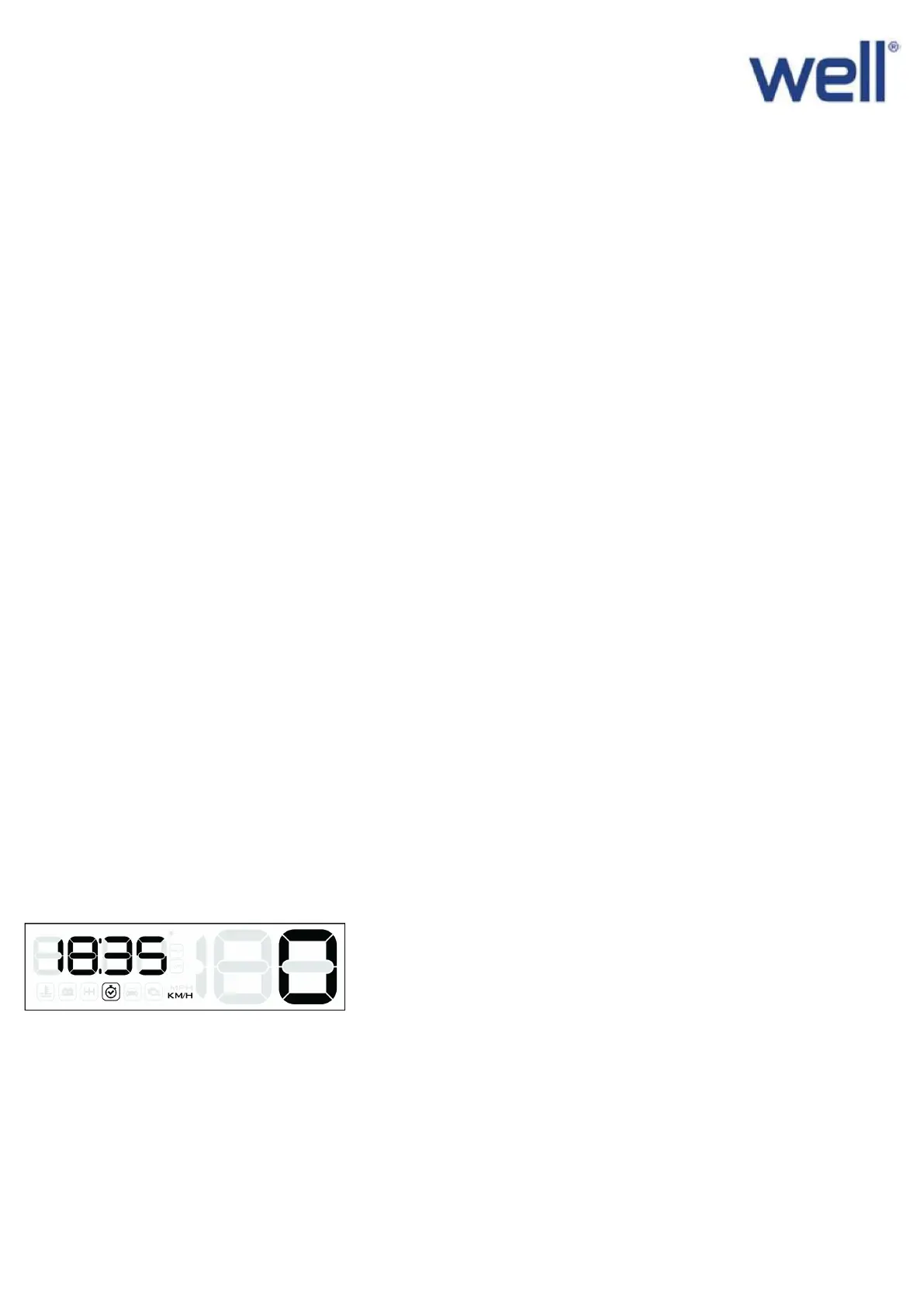
9. How to adjust the clock?
When HUD is in the normal display mode, short press in to find clock, long push up the
button the clock will flash, short push up to adjust the minutes, short press in can adjust the hours, after finish
adjust the clock, long press in 5s to save and exit.


 To Next Page
 Loading...