37
WELLION CALLA MINI
7*&8*/(4503&%3&"%*/(4"/%6/%%":4"7&3"(&
'30..&.03:
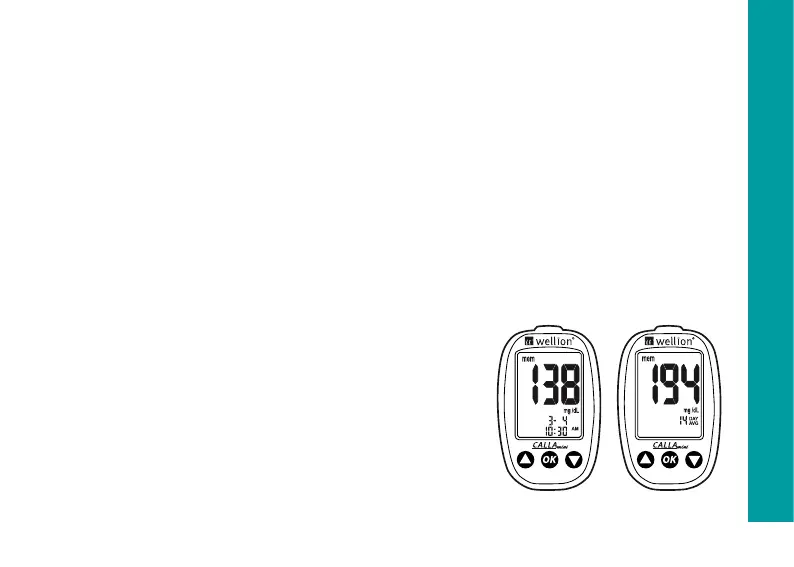
The CALLA Mini Meter automatically stores up to 300 test and control
results with date and time. In addition, the meter also provides 7, 14, 21 and
30 days averaging to help you better track your effort in controlling your
blood glucose level. You will need to set your meter date and time to use
the memory and day averaging function, see chapter “Setting Up Your New
System”. The meter will not memorize any test or control results if the date
and time are not set.
Materials you will need:
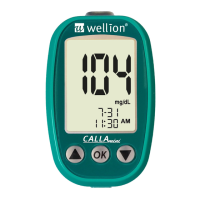
Your Wellion CALLA Mini Meter
Step 1: Turn on the meter by press and hold
the OK button. “-” will appear, on the screen
before entering the main mode. After the


 To Next Page