38
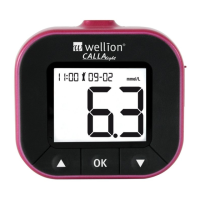
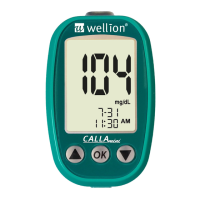
WELLION CALLA MINI
flashing test strip icon appears, press the button once, and the “mem”
will appear at the upper left corner of the display screen. Press “OK” to select
the “mem” mode.
Step 2: The meter shows the latest memorized result. Press button to
scroll through the results.
vOJMiXJMMBQQFBSJGUIFSFBSFOPSFDPSEFEUFTUSFTVMUTJOUIFNFNPSZ
Step 3: Press the button to scroll to the day averages. The first average
will be the 7 days average. Continue to press button to scroll through
14, 21 and 30 days averages.
Step 4: Press and hold the OK button to turn the meter off when finished or
insert a test strip to begin testing.


 To Next Page