ATA Web user guide
60 / 114 2015/1/8
(Figure 2)
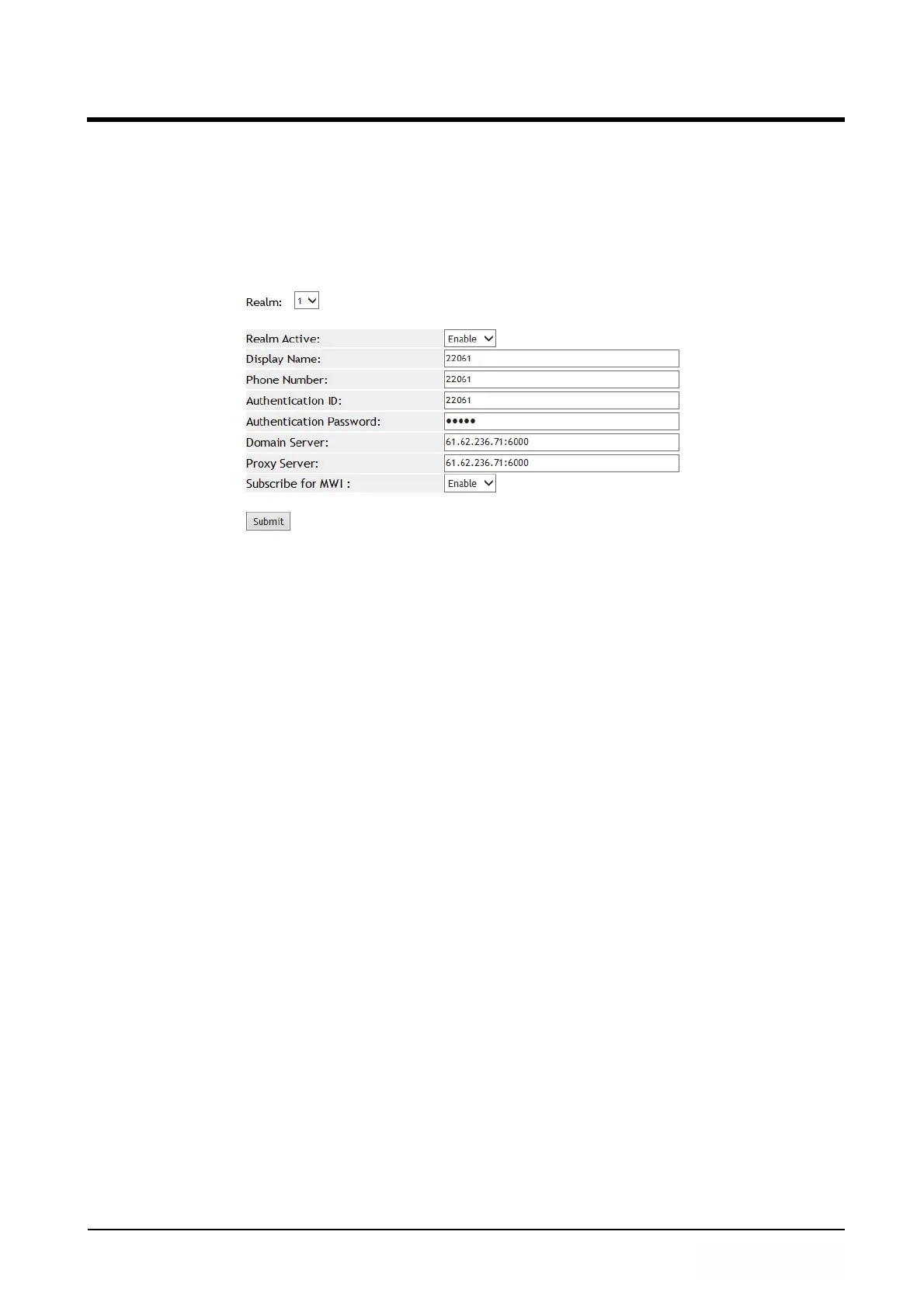
Example 2: Enalbe Subscribe For MWI
Step 1: In [Service Domain Setting] web page, Setup [Realm Active: Enable, Display
Name: 22061, Phoner Number: 22061, Authentication ID: 22061, Authentication
Password: test, Domain Server: 61.62.236.71:6000, Proxy Server:
61.62.236.71:6000, Subscribe for MWI: Enable ] (See Figure 3).
(Figure 3)



 To Next Page