- 5 -
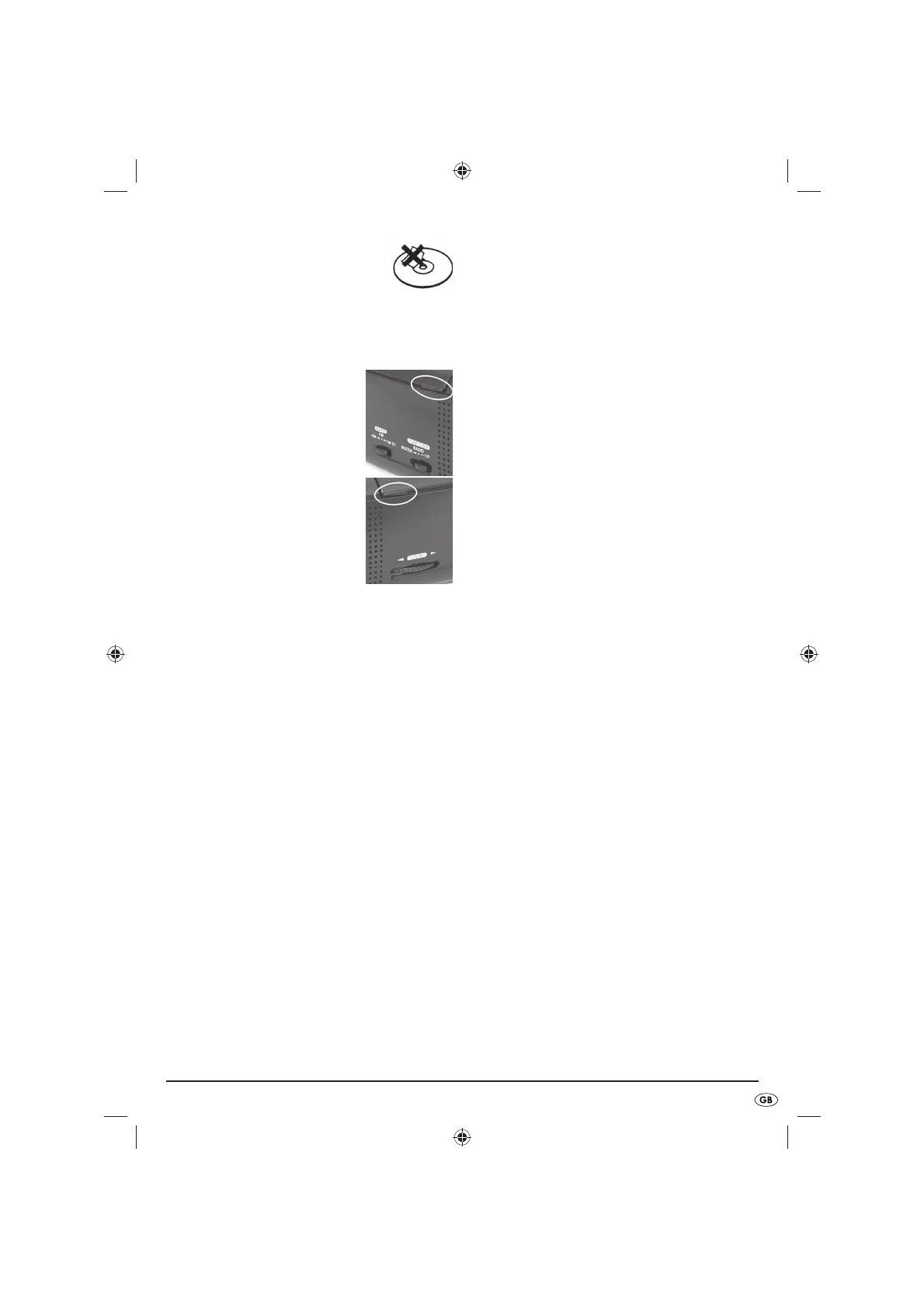
Abstain from putting labels and •
stickers on your CDs. They can cause
imbalances which will negatively
affect the playback and the
appliance.
Playback of CDs
Slide the function switch (FUNCTION • 1%) into the
CD position.
Open the CD compartment by •
lifting the CD compartment lid
w by its two lateral grips on
the sides.
Lay the CD with the printed
side upwards on the cone of
the CD tray. Press the centre
of the disc carefully with two
fingers onto the cone of the CD
tray, until it engages with an
audible click.
Close the CD compartment by •
carefully lowering the CD compartment lid
w
with your hand . The appliance now reads the
CD. When it has finished, the Display
2$ shows
the number of titles on the CD for ca. 3 seconds.
The appliance then displays the time once again.
To start playback, press the button PLAY/PAUSE •
1#. The display 2$ now briefly shows
the individual title number being played. If you
press this button again, playback is stopped and
the title number blinks for ca. 3 seconds in the
display
2$. The appliance then displays the time
once again. Playback continues by pressing the
button once more. The current title number is then
once again briefly displayed.
Playback is stopped when you once again press •
the button STOP
1@. The number of the CD
title is once again shown, and then the time.
Title selection
During playback briefly press the o or i
buttons to select the previous or the forthcoming
titles. The CD display shows the title number of your
choice for ca. 3 seconds.
If you wish to select a title before starting playback,
repeatedly press the
o or i buttons until the
desired title number appears in the display
2$. To
start playback of this selected title, press the PLAY/
PAUSE button
1# within ca. 3 seconds, i.e. before
the title display extinguishes.
Searching for a passage
During playback, press and hold down the o
or
i buttons to start a fast forward, () resp. fast
reverse (), in the search for a particular passage
in a title. The current title number is displayed during
the search. Playback continues when the button is
released, the title display extinguishes ca. 3 seconds
later.
Title repetition
During playback, if the button MODE e is pressed
once, the repetition indicator (REPEAT
2!) blinks
in the display and the title currently being played
back will be repeated when it reaches the end.
Nevertheless, with the
o or i buttons you
can select a different title.
If during playback you press the button MODE
e
e twice, the repeat indicator (REPEAT 2!) glows
constantly in the display
2$ and the whole of the
disc will be repeated after it has been played
through to the end.
Additionally, you can switch the appliance into the
desired repeat operation, with the button MODE
e, before starting playback. You stop the individual
playback mode by pressing the button MODE
e
three times. You stop the disc-repeat playback mode
by pressing the button MODE
e twice. Playback
is then continued as normal. The appliance also
cancels the repeat modes when you finish playback
with the button STOP
1@.
Playback of titles in a random order
If the appliance is required to playback the titles of
a disc in random order, before or during playback
press the button MODE
e three times. The random
indicator (RANDOM
2@) glows in the display. To
cancel the random playback and return to normal
playback, press the button MODE
e once more.



 To Next Page
 Loading...