Step 1: Open your App. For iOS devices, you'll find this on the Home
screen. For Android devices, access it through the App drawer / tray.
QUICK TIP: Check if your Wemo App is up to date for the latest improvements and
fixes. Click here to go to the Wemo App page in App Store
®
. For Android™ users,
click here.
NOTE: For Android-based smartphones that do not use the App drawer / tray, the
Wemo App will be on the Home screen.
Step 2: Update your firmware through one of the following methods:
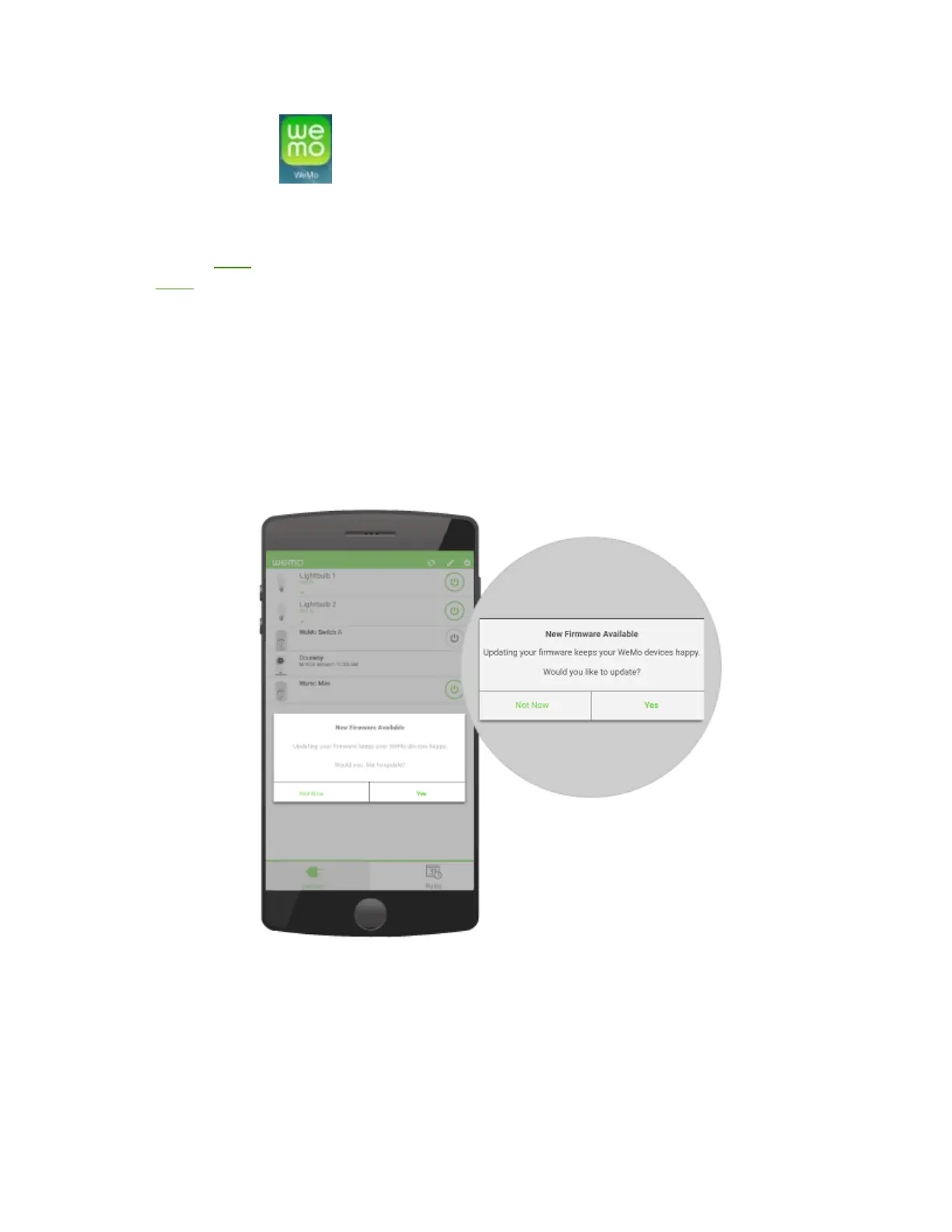
If a firmware update is available, you'll be prompted by a pop-up
window. Tap Yes to proceed.
On the Devices section, tap on the Download icon at the upper right
portion of the screen. Once prompted, tap Yes.
NOTE: Skip this method if you have an iOS device.


 To Next Page
 Loading...