46
TOPITEC
®
TOUCH User Manual | 11-2020
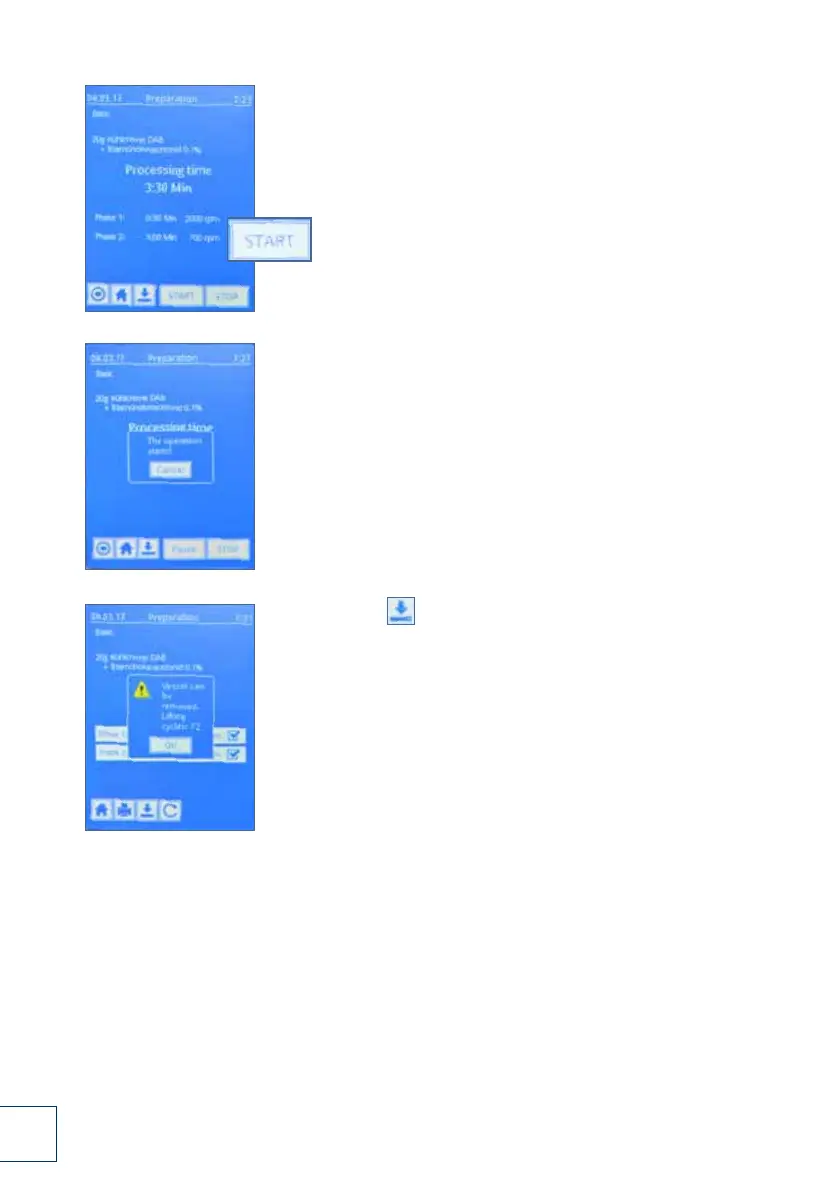
12. The system parameters are displayed again.
Press the "Start" button to produce another batch
of the same product.
13. The processing step is performed again.
14. Press the [ ] button to save the formulation as one of your
"Own favourites". For more details, see chapter
"Own favourites", page 30 ff.
12.
13.
14.



 To Next Page