58
TOPITEC
®
TOUCH User Manual | 11-2020
1.
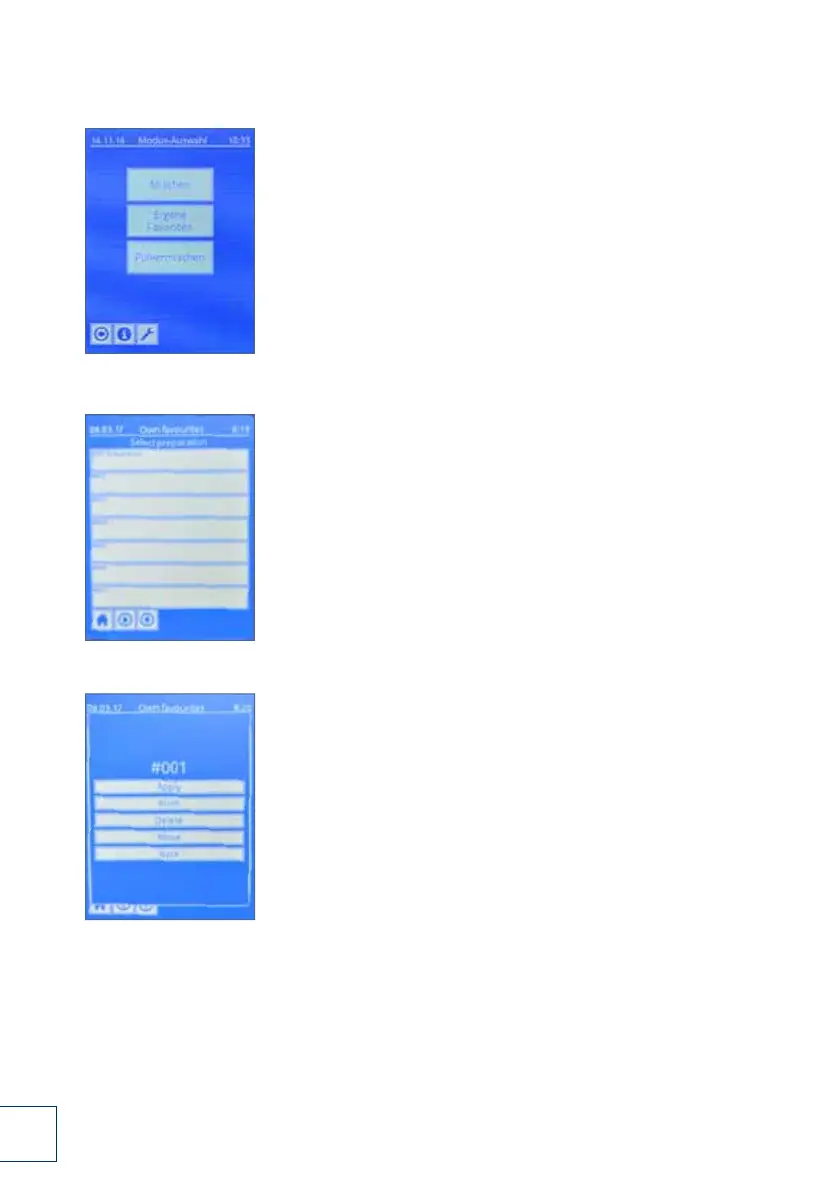
7.1.6 Mode: Mixing / deleting / moving own favourites
1. In the start menu, select "Own favourites".
2. Example:
20 g cooling cream DAB + triamcinolone acetonide 0.1% is
saved in slot 1 of the own favourites list and is called up.
3. Press the "delete / move" button to delete the formulation or to
move it to another slot in the list.
If you wish to delete, the formulation is now deleted from slot 1.
If you wish to move it, select a free slot and move the formulation
from slot 1 to this free slot.
2.
3.
Fig. 7-6 Mode: Mixing / deleting / moving own favourites (page 58)
DSC_0232.JPG
DSC_0234.JPG
DSC_0233.JPG
DSC_0235.JPG



 To Next Page