3
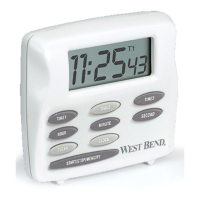
1. Press TIME1, TIME2, or TIME3 button for
desired timer channel. The selected timer channel
symbol (T1, T2, or T3) will display.
2. Press CLEAR to zero display.
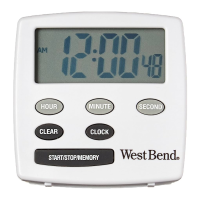
3. Press and hold HOUR, MINUTE and SECOND
buttons to advance to correct time.
1. Press START/STOP/MEMORY button to start
timer.
2. When time expires, a distinctive alarm will
sound. The timer will continue to count up. The
alarm will silence after 1 minute.


 To Next Page