1
1. Slide battery cover in arrow direction.
2. Insert one Triple A (AAA) battery. Match plus
(+) and minus (-) symbols.
3. Replace battery cover. Peel static display label
from electronic readout. Your timer is ready to use.
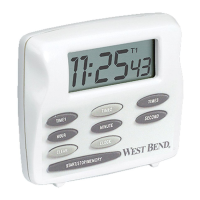
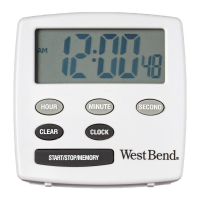
• Timer will count up to or down from 99 hours,
59 minutes, and 59 seconds.
• Clock is independent of timing function.
• Excessive heat, above 120˚F, (50˚C), can
damage the timer. Keep timer away from all heat
sources.
• Wipe timer case with a damp cloth if necessary.
• Never immerse timer in water or other liquid.


 To Next Page