2
• The clip on the back will attach to any thin
surface or belt. Magnet will also secure timer to
any metal surface.
• A small hanging hole in clip is provided for use
with a string.
• Clip with metal stand bar will allow time to
stand on any flat surface for viewing.
For household use only.
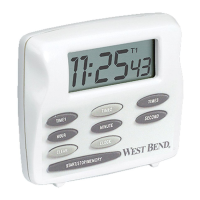
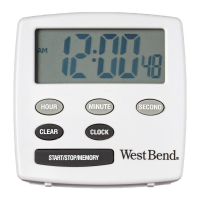
1. Press CLOCK button for 5 seconds. Display
will flash.
2. Press and/or hold HOUR, MINUTE, and
SECOND buttons to advance to the correct time.
Display shows correct time in AM or PM.
3. Press CLOCK button to activate Clock.


 To Next Page