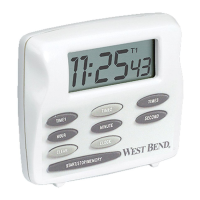
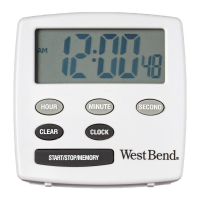
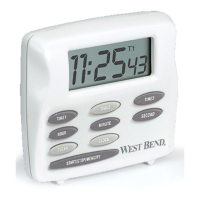
3
1. Press CLEAR to select Timer and zero display.
Timer channel symbol (TMR) will display.
2. Press and hold HOUR, MINUTE, and SECOND
buttons to advance to correct time.
1. Press START/STOP/MEMORY button to start
timer.
2. When time expires, a distinctive alarm will
sound. The timer will continue to count up. The
alarm will silence after 1 minute.
3. Press CLEAR or any other button to silence
alarm. Press START/STOP/MEMORY to stop
timer and silence alarm.
4. Press CLEAR to zero display.


 To Next Page