G69
User Manual
Westend Musical Instruments Oy Ltd | www.westendxfi.com
Address: Rantamäki 1 B4 02230 Espoo Finland
Paring
1: Auto Pairing
Earphones will automatically turn on, sync together and enter pairing
mode as you take them out of the charging case.
2: Syncing your earphones..
If earphones do not sync together or enter disconnected state during
use.
1): Turn off both earphones and turn back on.
2): If that does not work, place both earphones back into case, close the
charging case and then open again.
3): While earphones are out from the charging case, press and hold both
earphones for 3 seconds. This will force the earphones to turn off and
on and will sync with each other.
3: Open up Bluetooth setting on your smart device and scan for G69 .
Operation
1: Power on/off .
(a) Open the charging case and take out earphones, automatically turn
on; Place earphones into charging case and close the case,automatically
turn off.
(b) Long press 3 seconds to turn on
Long press 5 seconds to turn off.
2: Play/Pause music.
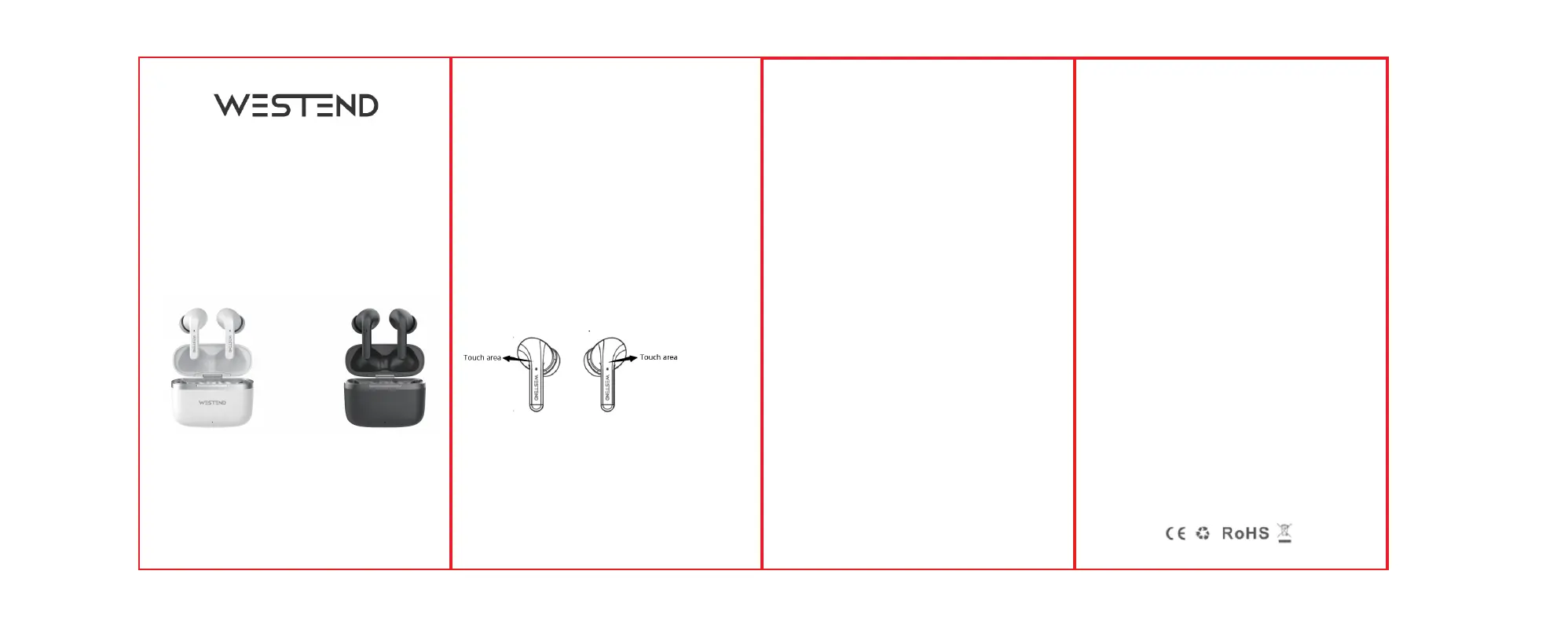
When listening to music. Quick double tap the left/right earphones to
play or pause the music.
When listening to music.
Press left earphones 2 seconds to previous song.
Press right earphones 2 seconds to next song.
4: Volume -/+
Tap left earphones once to decrease the volume.
Tap right earphones once to increase the volume.
5: Answer/Hang up
When there is an incoming call.
Tap left or right earphones once to answer the call.
Tap left or right earphones again to end the call.
6: Reject
When there is an incoming call.
Long press left or right earphones for 2 seconds to reject the call.
7:Voice assistant
Quick tap left or right earphones 3 times to activate voice assistant.
Charging Function
Fully charge the case and headset before using for the first time.
1: Charging the charging case
There is a Type-C cable included in the packaging. Connect it to the
Type-C charging port and the other end into a USB powered source to
charge your case.
Charging case charging time: About 1.5H
Technical Specs:
Product Model: G69
Bluetooth Solution: JL6976
Bluetooth version: V5.1
Earphones battery capacity: 40mAh
Charging case battery capacity: 350mAh
Bluetooth decoding: SBC, AAC
Support A2DP, AVRCP, H-FP
Speaker impedance: 32Ω ± 15%
Effective distance: 10M
Play time: 6 hours
Earphones charging time: About 1H


 To Previous Page
 Loading...