R
+
RS-422
equipment
R
–
T
+
SG TD RD
T
–
RS-485
equipment
T
+
T
–
RS-232/V.24
equipment
*) The designations T+, T–, R+, R– are not standardised and may vary between different manufactures. The first
step in fault finding is to reverse the cables (swap T+ with T– and/or R+ with R–). Please note that this should
be done only at one end!
**
136072-2004
RS-422/485
RS-232/V.24 or
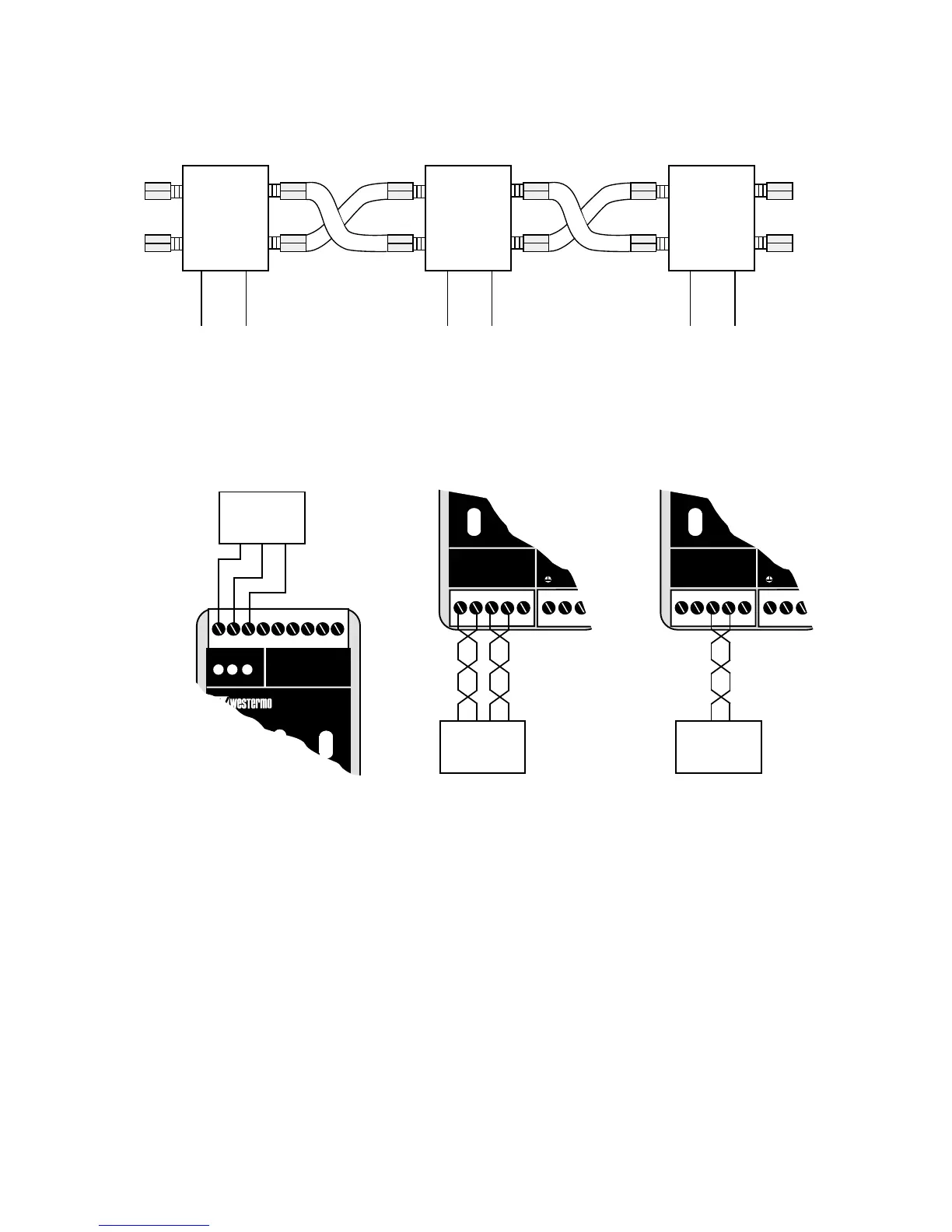
How to connect
Connection of RS-232/V.24, RS-422, RS-485
Fibre optic connection
LD-63
RX1 RX2
TX2
TX1
RX1 RX2
TX2
TX1
LD-63 LD-63
RS-422/485
RS-232/V.24 or
RS-422/485
RS-232/V.24 or
RX1 RX2
TX2
TX1
NB When a multidrop connection ends with an LD-63 and the fibre pair is
connected on channel 2, the switch S1:2 must be set (Y-mode)


 To Next Page
 Loading...