17
Usin
you will hear an intermittent buzzer giving a warn-
ing signal that the set up torque value has almost
been approached. Keep an eye on the display.
When the target torque value finally has been
reached you will see a permanent red light and you
will hear a steady buzzer sound. Do not move the
wrench any further.
Memory
The digital torque adaptor has to be set up in
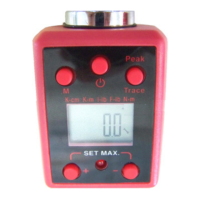
“PtoP” (Peak) Mode. Press the “M” (3) button for at
least 1 second and release it. The display will show
the current memory number “P01” and then the
torque value. Press the “M” button again for at
least 1 second and the display will show the next
memory number “P02” followed by the torque
value. “P01” is the latest reading and “P50” would
be the oldest value.
The digital torque adaptor stores up to 50 torque
values.


 To Next Page