4UHC9 Westward Operating Instructions and Parts Manual
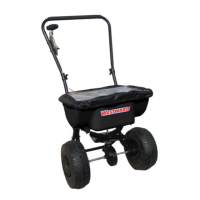
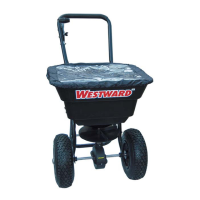
80 Lb. Walk Behind Spreader
STEP 2:
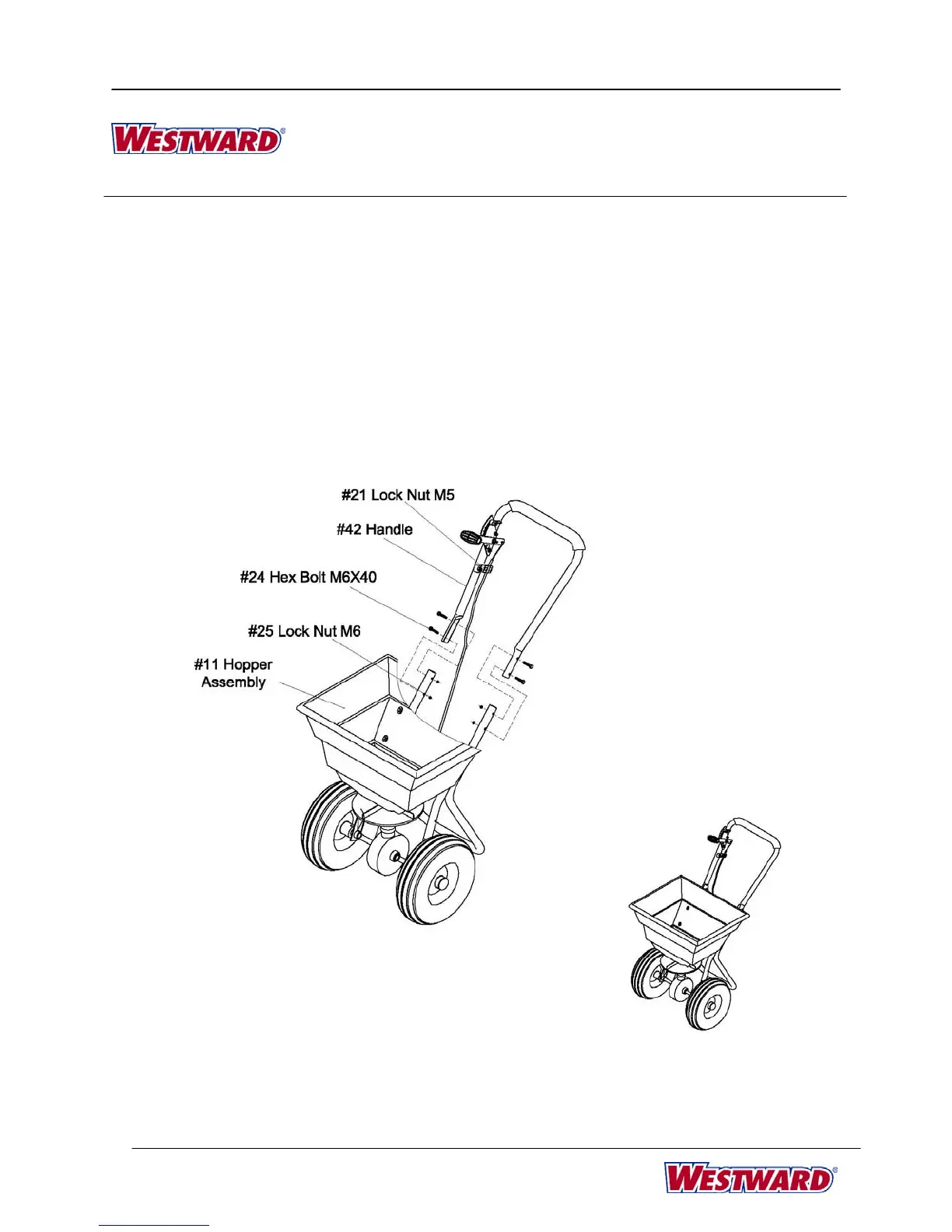
Install upper handle (#42) on support leg. Insert two
bolts M6 x 40 (#24) through upper handle and support
leg. Fasten with lock nuts M6 (#25). Push the control
handle all the way down. The hole in the bottom of the
spreader should be opened completely. If the hole
does not line up exactly, loosen Lock Nut M5 (#21) a
few turns and push the cable until it matches the hole
in the bottom plate exactly. Tighten Lock Nut M5
(#21).
5


 To Next Page