3. File review
For viewing of files select “open file explorer” in the main interface.
4. Connection to the computer and file transfer
Use the microUSB cable to connect the e-reader to the computer. The e-reader may be used as a removable disk.
After connection you can copy files.
5. Reset
If the e-reader does not respond for a long time, you can use RESET to reload the system.
7. Operation Instructions
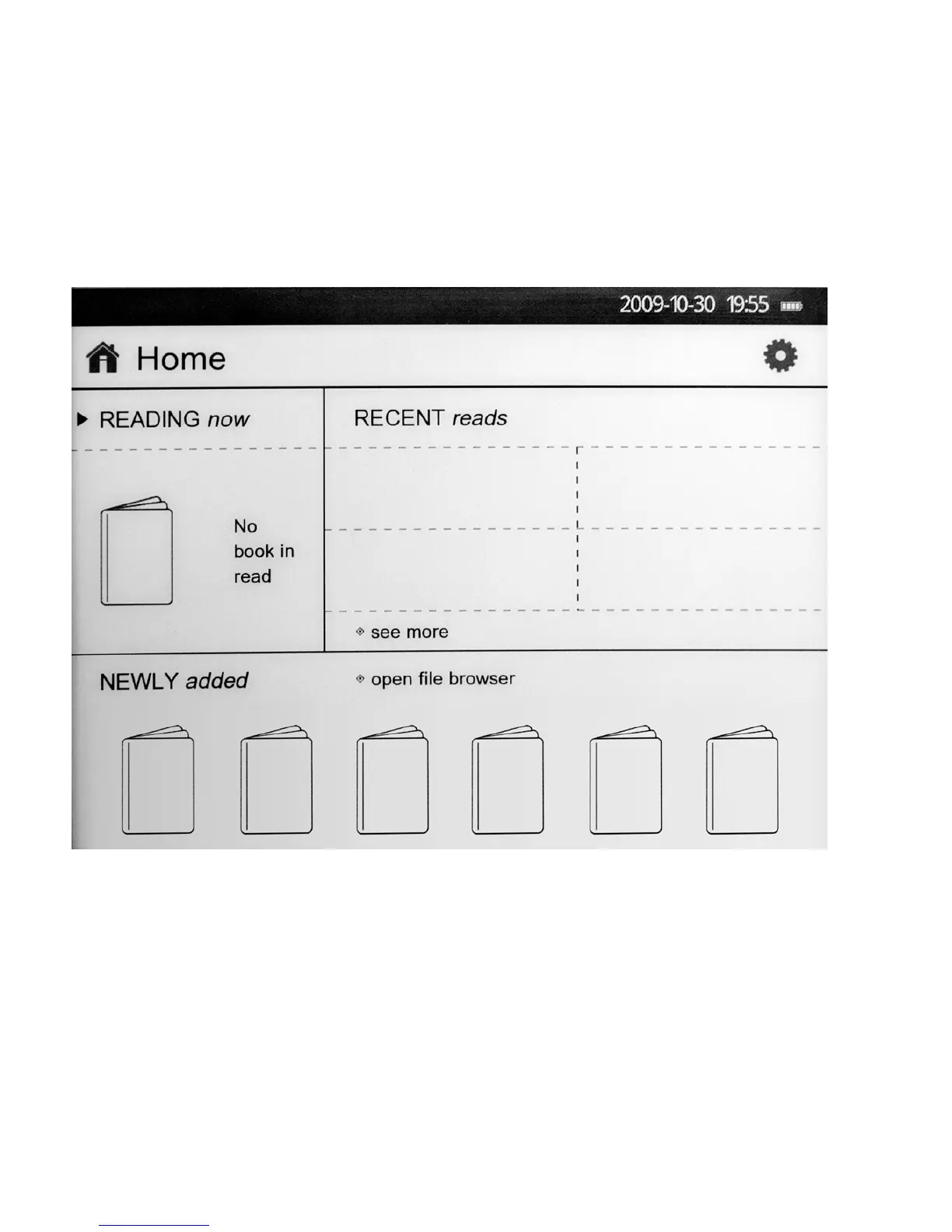
After turning on , the main interface is displayed as follows:
The following operations are available in the main interface:
1. Using control buttons, you can select one of five options: ««Settings», «Readnow», «Last Read », «Open file
explorer» and «Added recently».



 To Next Page