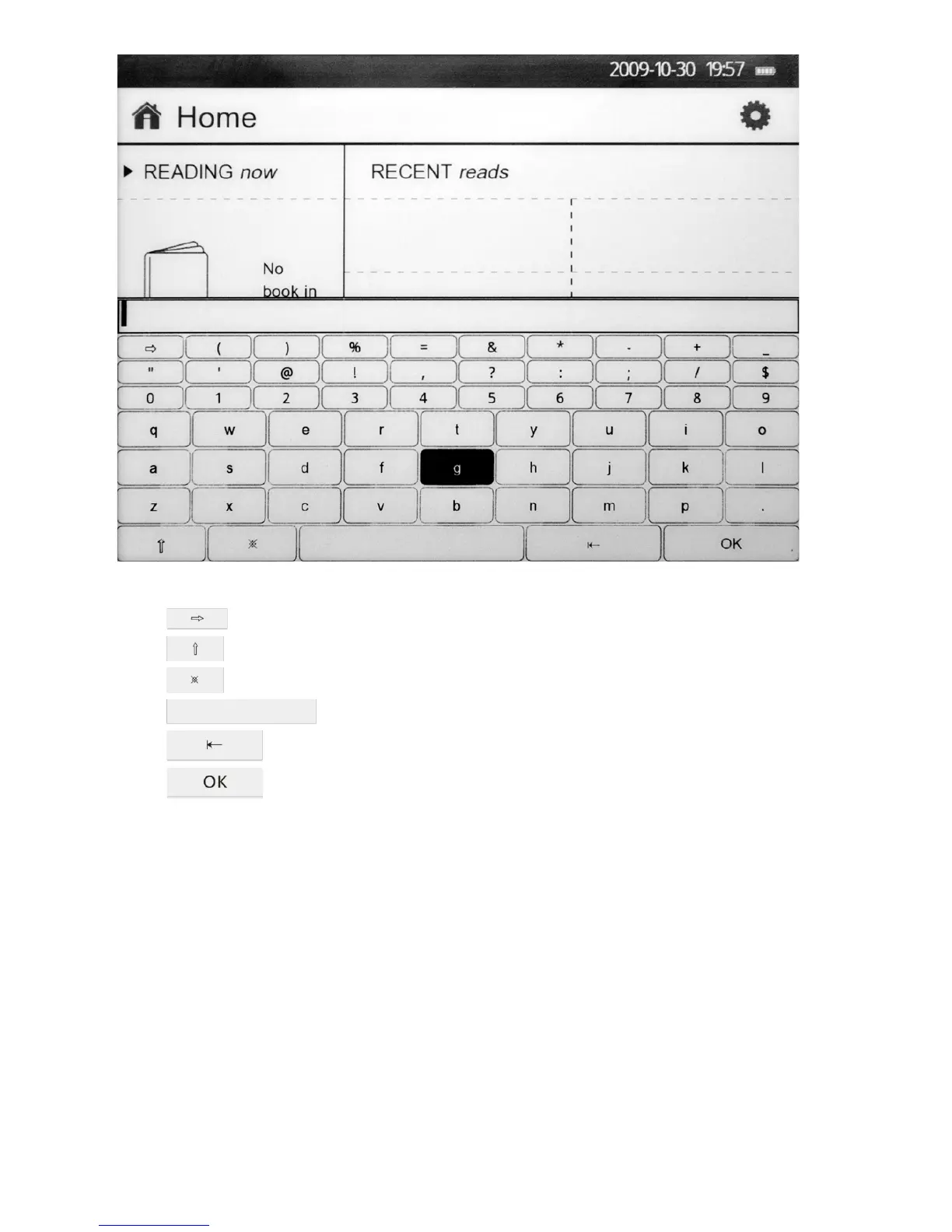
Control of the keyboard display is performed by means of buttons «left», «right», «up», «down» and «ОК».
1) Select to enter additional symbols.
2) Select to enter capital letters.
3) Select to switch between Russian and English layout.
4) Select to use a spacebar.
5) Select to delete the last symbol.
6) Select to enter.
7.1. Last read
1. Four recently read books are displayed in the main interface. To open one of them, select it and press the button
«ОК». Press the button «reset» to return to the main interface.
You can select «Further review» to display the list of books recently read. 10 books read earlier are available in this
mode. Press the button «reset» to return to the main interface.
7.2. Book selection
1) Select one of the books in the main interface to read it. Use control buttons, then press «ОК».
2) To exit the reading mode and return to the list of books press the button «Reset».



 To Next Page