7.3. Reading of the book
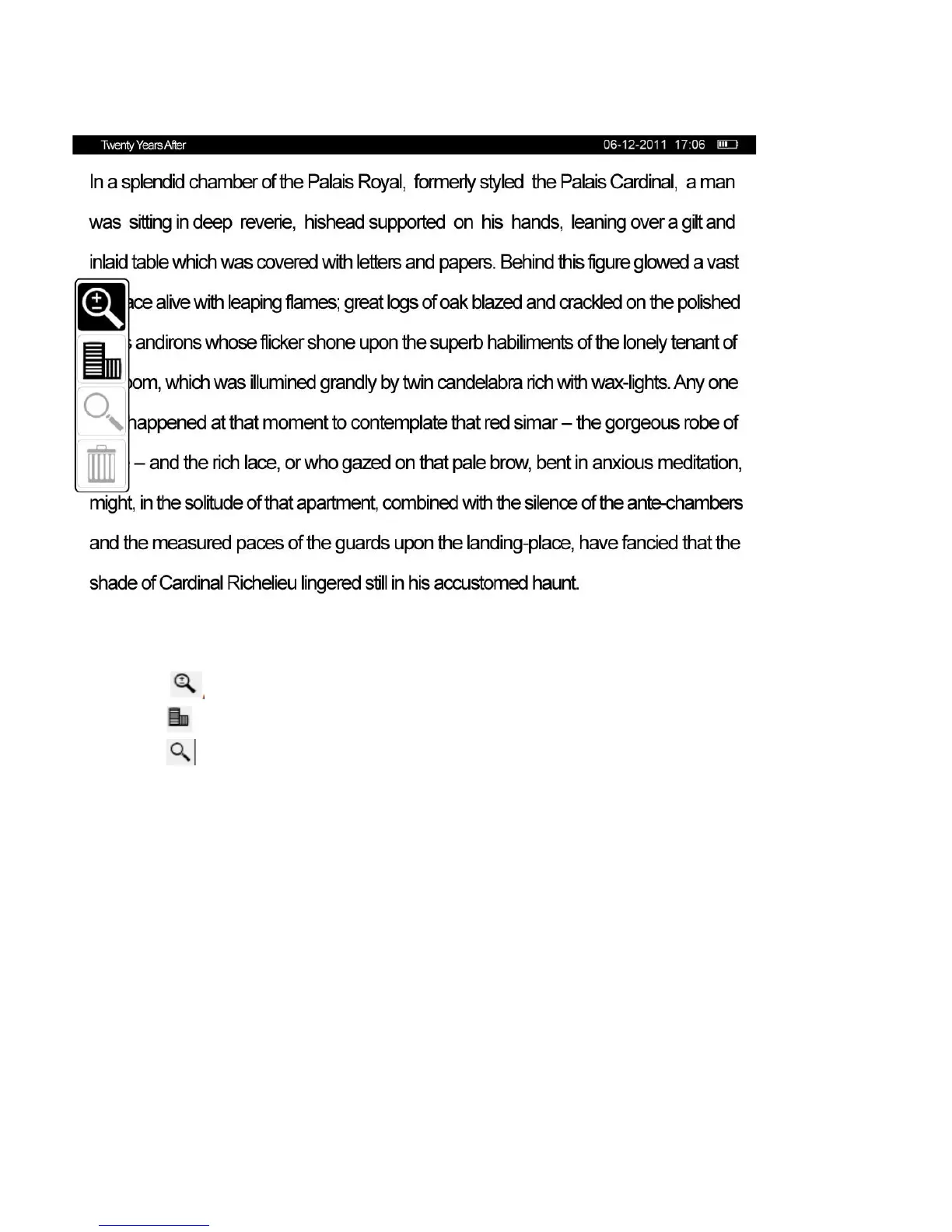
In the reading mode, quickly click on the power button to activate an additional menu:
1)
Select to change font size.
2) Select to change screen orientation (four orientations are possible).
3) Select to search part of a word (not available in all formats).
4) To exit the additional menu without changes, press the button “Reset”.
5) Use control buttons to turn pages forward or back.Context menu
Press the button "OK" to activate the context menu. The following is available in the context menu, depending on the
book format: work with bookmarks, quick transfer to the page by its number, mode change from customary to
inversion and vice versa, setting of margins, review of callouts, scaling and review of the contents page.
7) Work with bookmarks.
Press the button “OK” in a reading mode to activate the context menu, then select “Save the bookmark”. 8
bookmarks can be created for each book. To continue reading press the button “reset”.



 To Next Page