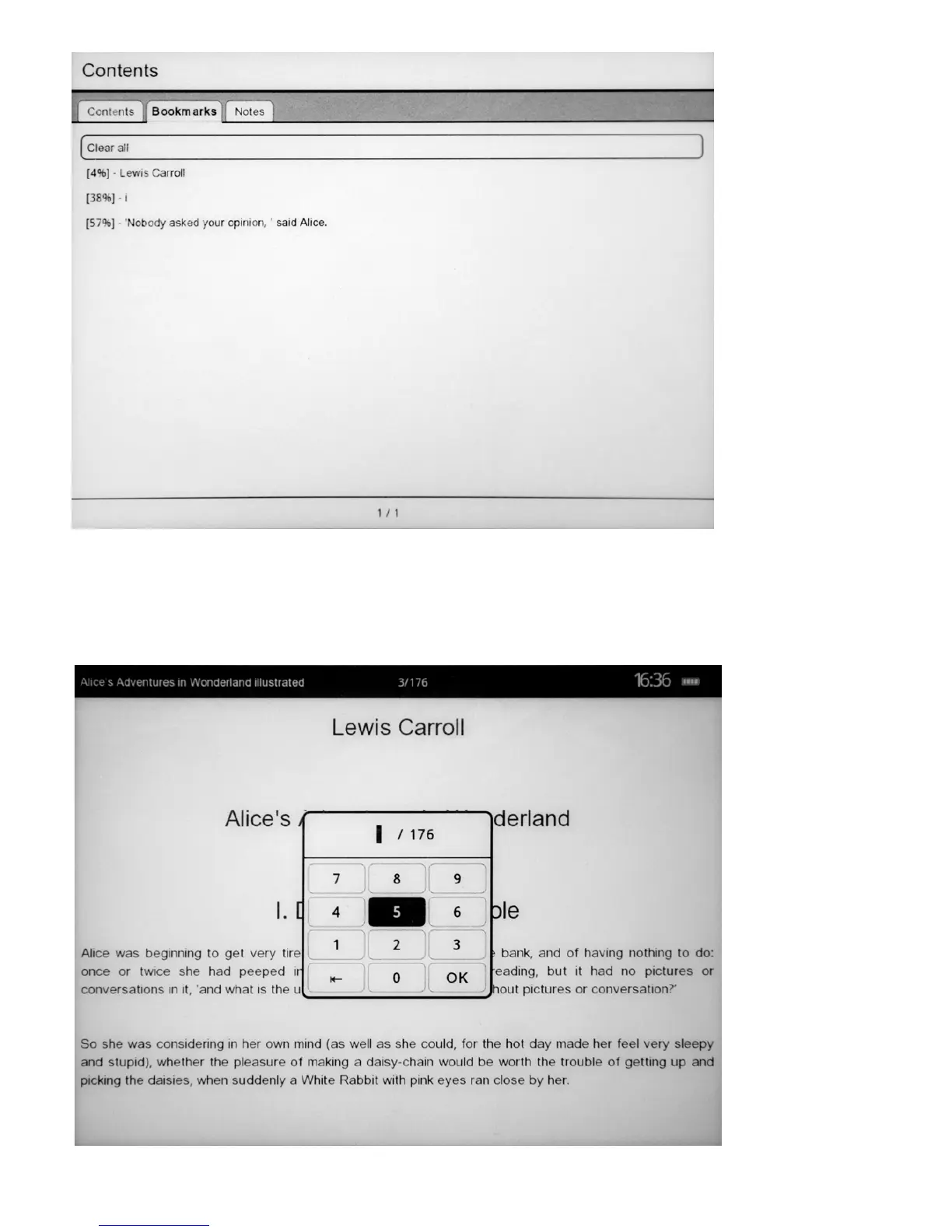
To open the bookmark press the button “OK” and select “Go to the bookmarks”, Then select the necessary bookmark
and confirm your selection by pressing “OK” or press “reset” to exit.
9) transfer to page by its number
Press the button “OK” to activate the context menu, then select “Go to the page”. Use buttons “up” and “down” to
change values, and use buttons “left” and “right” to go between positions and press “OK” to confirm or “Cancel”.
Press “OK” to go to the selected page and “reset” to return to reading.



 To Next Page