EasyManua.ls Logo

Wharfedale Pro 15”/19” HD Ready LCD TV - User Manual

Wharfedale Pro 15”/19” HD Ready LCD TV
12 pages
Print Icon
To Next Page IconTo Next Page
Loading...
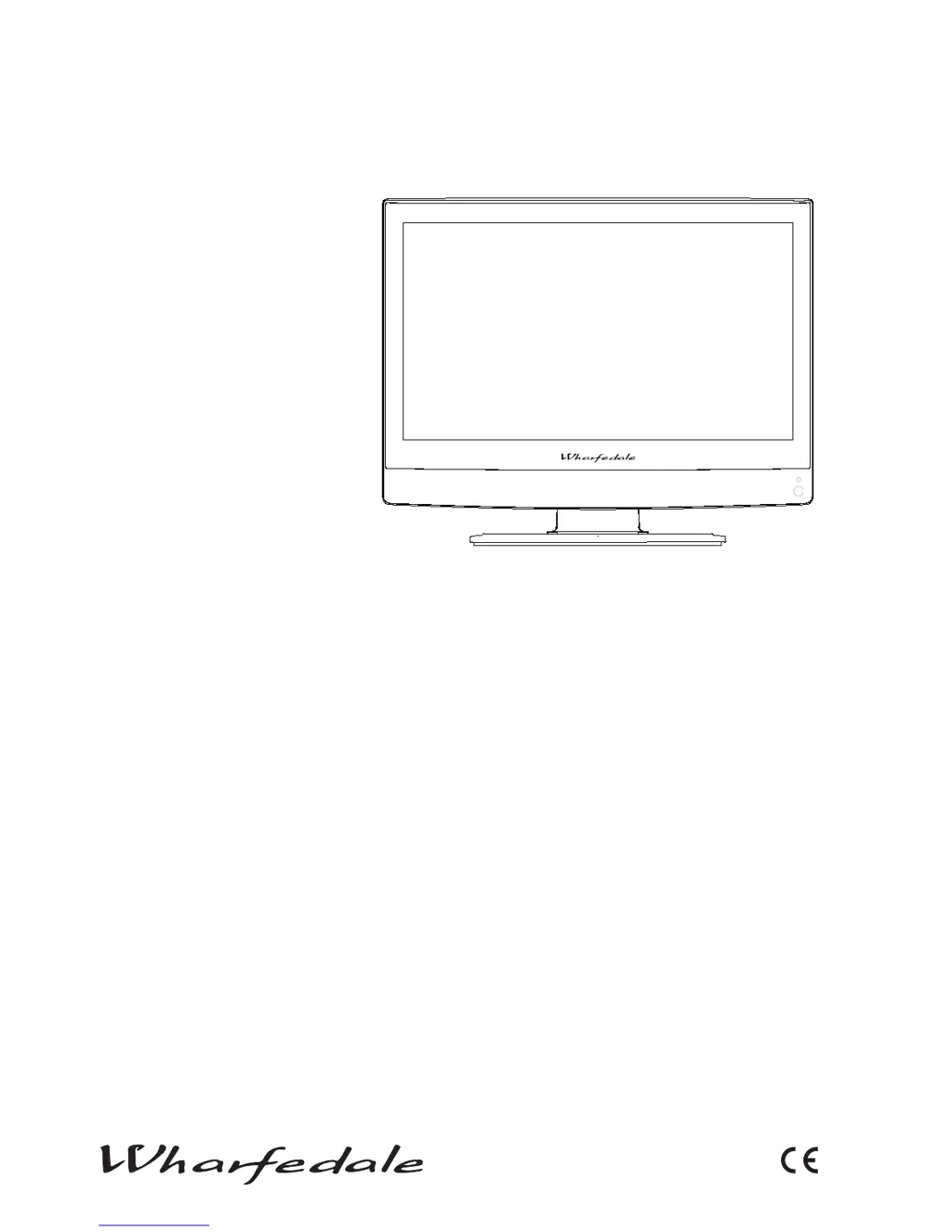
15”/19” HD ReaDy LCD TV
User Manual

Questions and Answers

  • C
    Carolyn GonzalezJul 30, 2025
    What to do if my Wharfedale Pro 15”/19” HD Ready screen is blank?
    • K
      Kara WardJul 30, 2025
      If your Wharfedale Pro LCD TV screen is blank, check the signal inputs to ensure they are correctly connected. Try pressing the SOURCE button to switch the signal input to the TV input. If the power supply was interrupted, restart the television.
  • M
    mdavisAug 3, 2025
    How to fix no sound on Wharfedale Pro 15”/19” HD Ready?
    • G
      gabriel96Aug 4, 2025
      If your Wharfedale Pro LCD TV has no sound, first, press the MUTE button to check if Mute mode is enabled. If not, try switching to another channel to see if the problem persists. Also, press the VOL+ button to increase the volume and see if this resolves the issue.
  • C
    Corey WilliamsAug 7, 2025
    Why is my Wharfedale Pro 15”/19” HD Ready showing spots on the picture?
    • J
      Justin GonzalesAug 7, 2025
      If your Wharfedale Pro LCD TV is showing spots on some or all pictures, check that the antenna is correctly connected and in good condition. You can also try making fine adjustments to the channel.
  • A
    Andrew PalmerAug 12, 2025
    Why is the sound quality poor on my Wharfedale Pro 15”/19” HD Ready?
    • M
      matthewarcherAug 12, 2025
      If you are experiencing poor sound quality on your Wharfedale Pro LCD TV, verify that the sound system is set up correctly. Consult the user guide for instructions on how to adjust the sound settings.
  • M
    mcgeeronaldAug 16, 2025
    Why is my Wharfedale Pro LCD TV out of control?
    • T
      Thomas PhamAug 17, 2025
      If your Wharfedale Pro LCD TV is out of control, disconnect it from the power supply, wait 10 seconds, and then reconnect it. If the problem continues, no answer.
  • W
    Wesley KingAug 21, 2025
    What to do if my Wharfedale Pro 15”/19” HD Ready has no picture on some channels?
    • M
      Mrs. Taylor Ramirez DVMAug 21, 2025
      If your Wharfedale Pro LCD TV displays no picture on certain channels, ensure that the correct channel is selected. Adjust the antenna's position, and try making adjustments using the FINE TUNE and MANUAL SEARCH options.
  • M
    Michelle SmithAug 26, 2025
    Why is my Wharfedale Pro LCD TV showing black and white on some channels?
    • T
      Troy ScottAug 26, 2025
      If your Wharfedale Pro LCD TV is showing black and white on some channels, first check if the same issue occurs on other channels. Then, check the picture and sound systems settings. For color adjustment guidance, refer to the user guide.

Summary

Important Information

Safety Notice

Electrical Connections

Connecting to Power

Instructions on connecting power and replacing plugs.

Get to Know Your TV Controls

Get to Know Your Remote Control

Connecting Your TV

Connect Your PC to the TV

HDMI Input

Setting Up

Location

Guidance on placing the TV near a socket and aerial lead.

Connection

Steps for connecting the aerial and power lead, and inserting batteries.

Switching Your TV On

Tuning Your TV

Retuning Your TV at a Later Date

Instructions for performing an automatic channel search.

Manually Searching for a Channel

Guide to manually tuning individual TV channels.

Using Your TV

Changing the Channel

How to select channels using numerical buttons or P+/-.

Adjusting Your Picture and Audio Settings

Using the Child Lock Function

Troubleshooting

Wharfedale Pro 15”/19” HD Ready LCD TV Specifications

General IconGeneral
BrandWharfedale Pro
Model15”/19” HD Ready LCD TV
CategoryLCD TV
LanguageEnglish