Manual AMP 4200
Valid for
111-425-04-001-00
Version (modifications reseverd)
21.02.2022
Seite 13 of 17
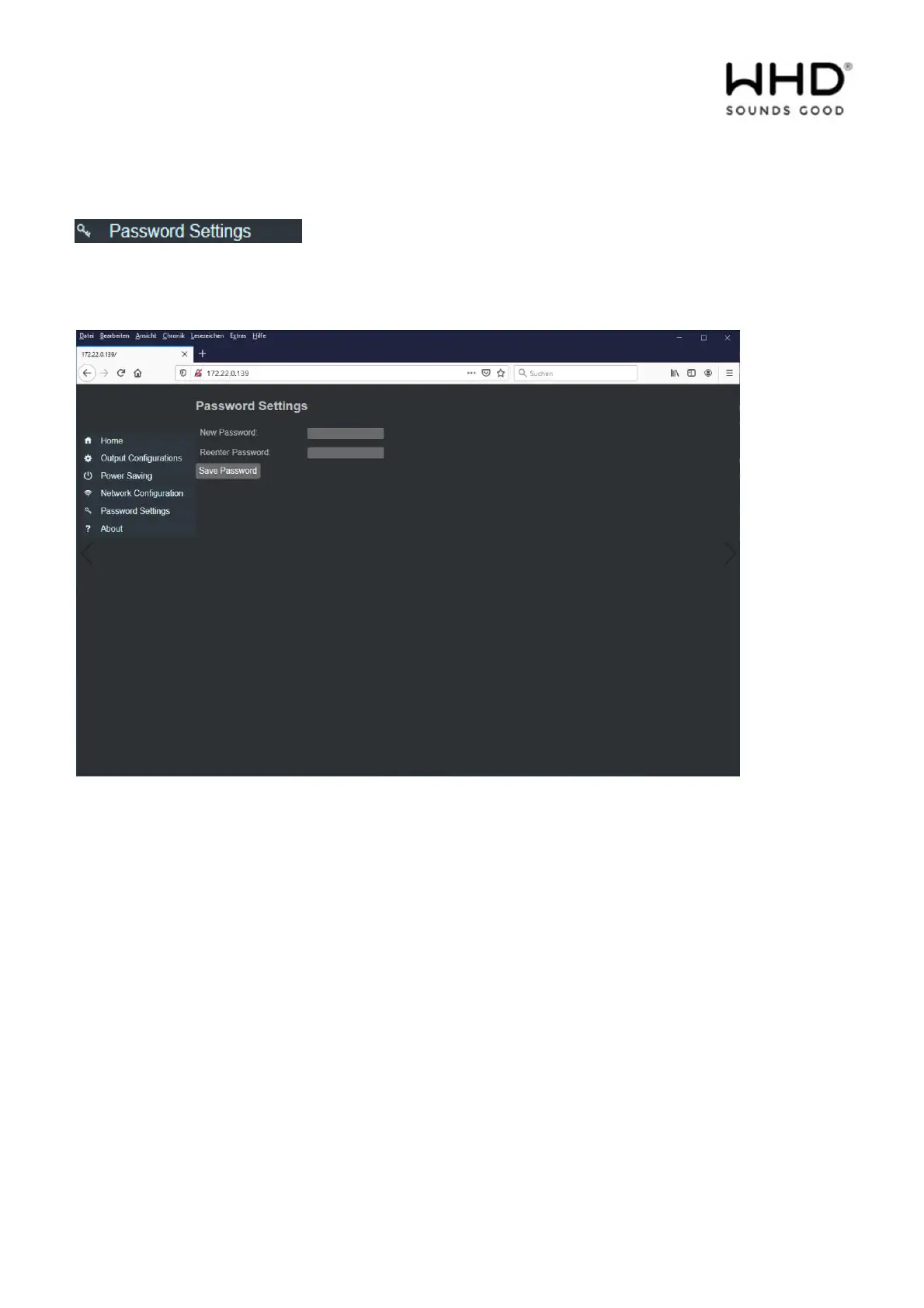
The web interface can be protected with a password.
Instructions for assigning passwords:
The amplifier is visible in the network. You can only expect secure operation if you assign individual
passwords.
! When commissioning each device for the first time, change the default password first.
Make a note of the password in the enclosed operating instructions, in your customer documentation or
on a sticker on the device.
! Handle the password carefully (GDPR)
The password may be max. 17 ASCII characters long.



 To Next Page