1
EN
Quick guide
THANK YOU FOR BUYING A WHIRLPOOL PRODUCT
In order to receive a more complete assistance, please
register your product on www . whirlpool . eu/ register
Before using the appliance carefully read the Safety
Instruction.
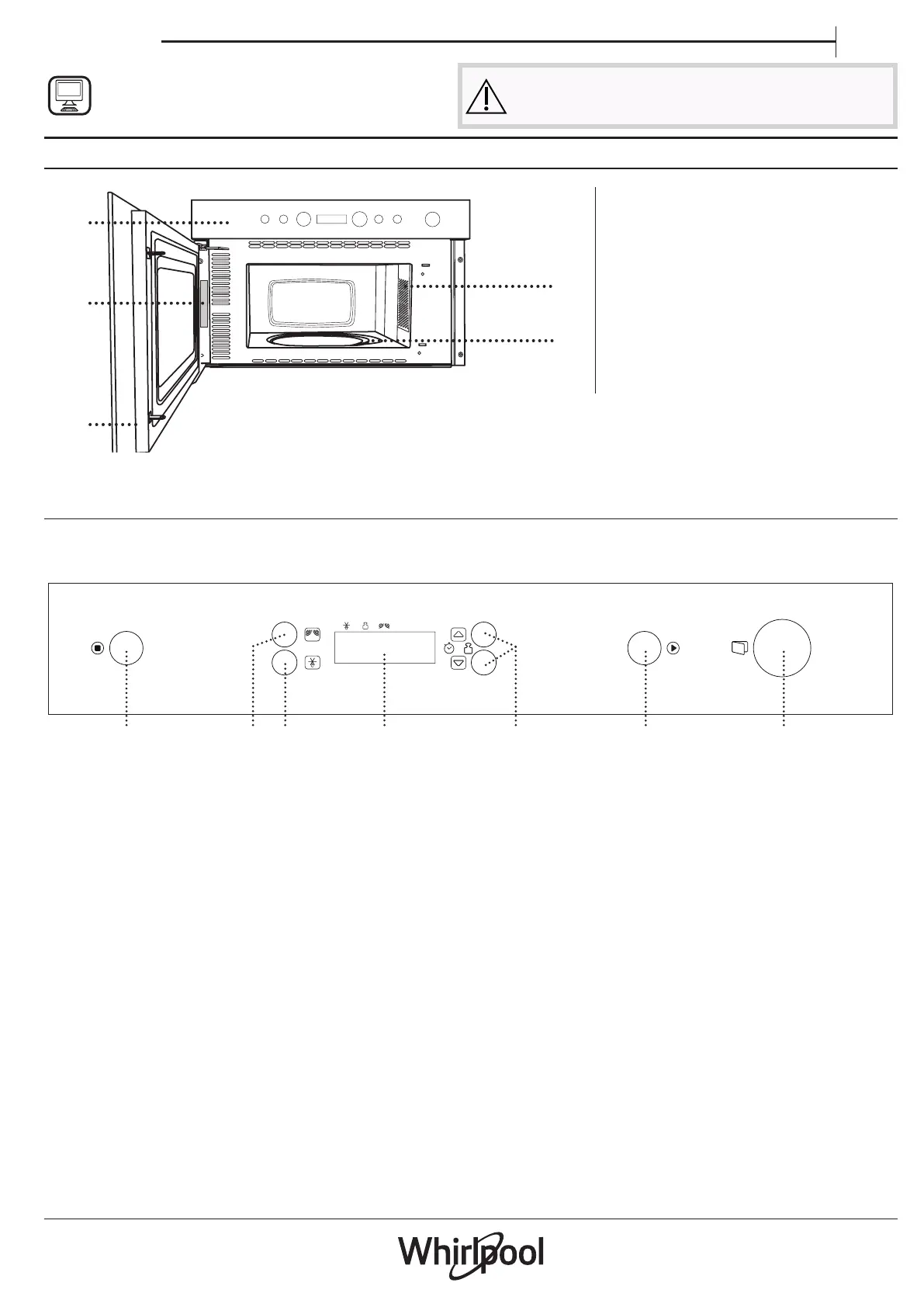
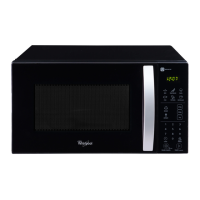
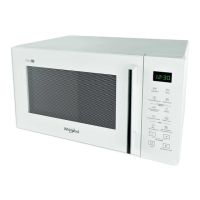
PRODUCT DESCRIPTION
1. Control panel
2. Identification plate
(do not remove)
3. Door
4. Light
5. Turntable
CONTROL PANEL DESCRIPTION
1
32 5
6 74
1. STOP
For stopping a function or an
audible signal, cancelling the
settings and switching off the oven.
2. MICROWAVE FUNCTION/POWER
For selecting the microwave
function and setting the required
power level.
3. JET DEFROST
4. DISPLAY
5. + / - BUTTONS
For adjusting the settings of a
function (e.g. length, weight).
6. START
For starting a function.
7. DOOR OPENING BUTTON
1
3
5
4
2



 To Next Page