4
CLEANING
Make sure that the appliance has cooled down before
carrying out any maintenance or cleaning.
Never use steam cleaning equipment.
Do not use wire wool, abrasive scourers or abrasive/
corrosive cleaning agents, as these could damage the
surfaces of the appliance.
INTERIOR AND EXTERIOR SURFACES
• Clean the surfaces with a damp microfibre cloth.
If they are very dirty, add a few drops of pH-neutral
detergent. Finish off with a dry cloth.
• Clean the glass in the door with a suitable liquid
detergent.
• At regular intervals, or in case of spills, remove the
turntable and its support to clean the bottom of the
oven, removing all food residue.
ACCESSORIES
All accessories are dishwasher safe. For stubborn dirt,
rub gently with a cloth.
TROUBLESHOOTING
Problem Possible cause Solution
The oven is not working.
Power cut.
Disconnection from the mains.
Check for the presence of mains electrical power and
whether the oven is connected to the electricity supply.
Turn off the oven and restart it to see if the fault persists.
The display is showing “Err”. Software fault.
Contact you nearest After-sales Service Centre and state
the letter or number that follows “Err”.
The display shows unclear text and
appears to be broken.
Another language set. Contact you nearest Client After-sales Service Centre.
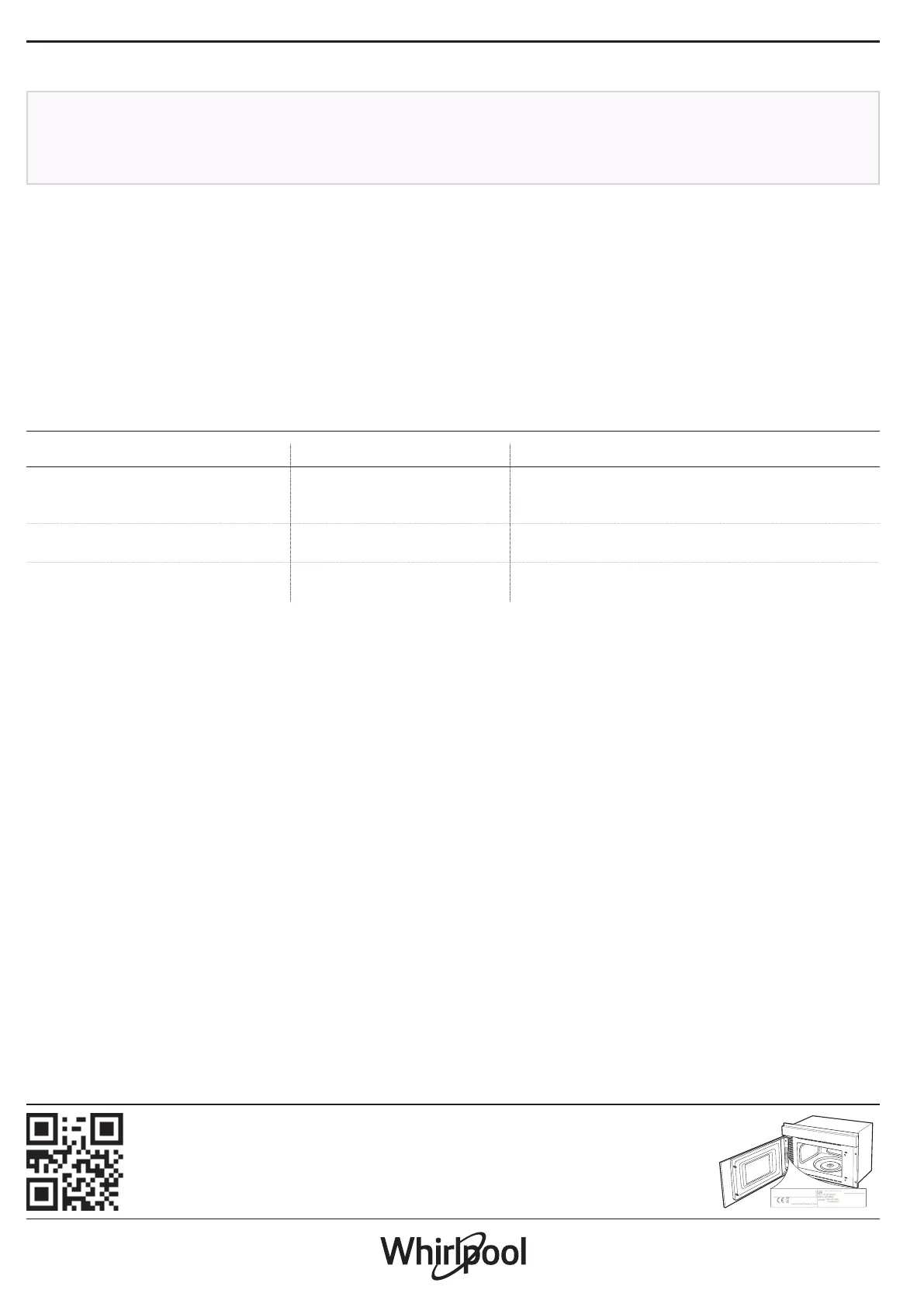
Policies, standard documentation and additional product information can be found by:
• Visiting our website docs . whirlpool . eu
• Using QR Code
• Alternatively, contact our After-sales Service (See phone number in the warranty booklet).
When contacting our After-sales Service, please state the codes provided on your product's
identication plate.
XXX/XXX
XXXXXXXXXXXX
XXXXXXXXXXXX


 To Next Page