1
EN
Owner's manual
THANK YOU FOR BUYING A WHIRLPOOL PRODUCT
In order to receive a more complete assistance, please
register your product on www . whirlpool . eu/ register
PLEASE SCAN THE QR CODE ON
YOUR APPLIANCE IN ORDER TO
REACH MORE INFORMATION
Before using the appliance carefully read the Safety
Instruction.
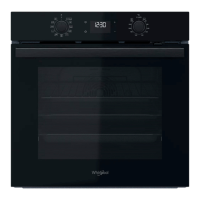
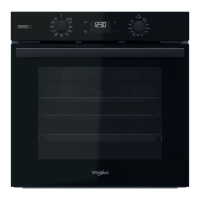
PRODUCT DESCRIPTION
1. Control panel
2. Fan
3. Lamp
4. Shelf guides (the level is
indicated on the wall of the
cooking compartment)
5. Door
6. Door lock (locks the door while
automatic cleaning is in progress
and afterwards)
7. Top heating element/grill
8. Circular heating element (not
visible)
9. Identification plate (do not
remove)
CONTROL PANEL DESCRIPTION
1 32 4 5
6
1. SELECTION KNOB
For switching the oven on by
selecting a function. Turn to the
position to switch the oven off.
2. LIGHT
With the oven switched on, press
to turn the oven compartment
lamp on or off.
3. SETTING THE TIME
For accessing the cooking time
settings, delayed start and timer.
For displaying the time when the
oven is off.
4. DISPLAY
5. ADJUSTMENT BUTTONS
For changing the cooking time
settings.
6. THERMOSTAT KNOB
Turn to select the temperature you
require when activating manual
functions.
1
2
3
4
5
9
8
7
6
Please note: Type of knob may vary from model type. If the knobs are push-activated, push down on the center of the knob to
release it from seating.



 To Next Page
 General