12
USING YOUR RANGE
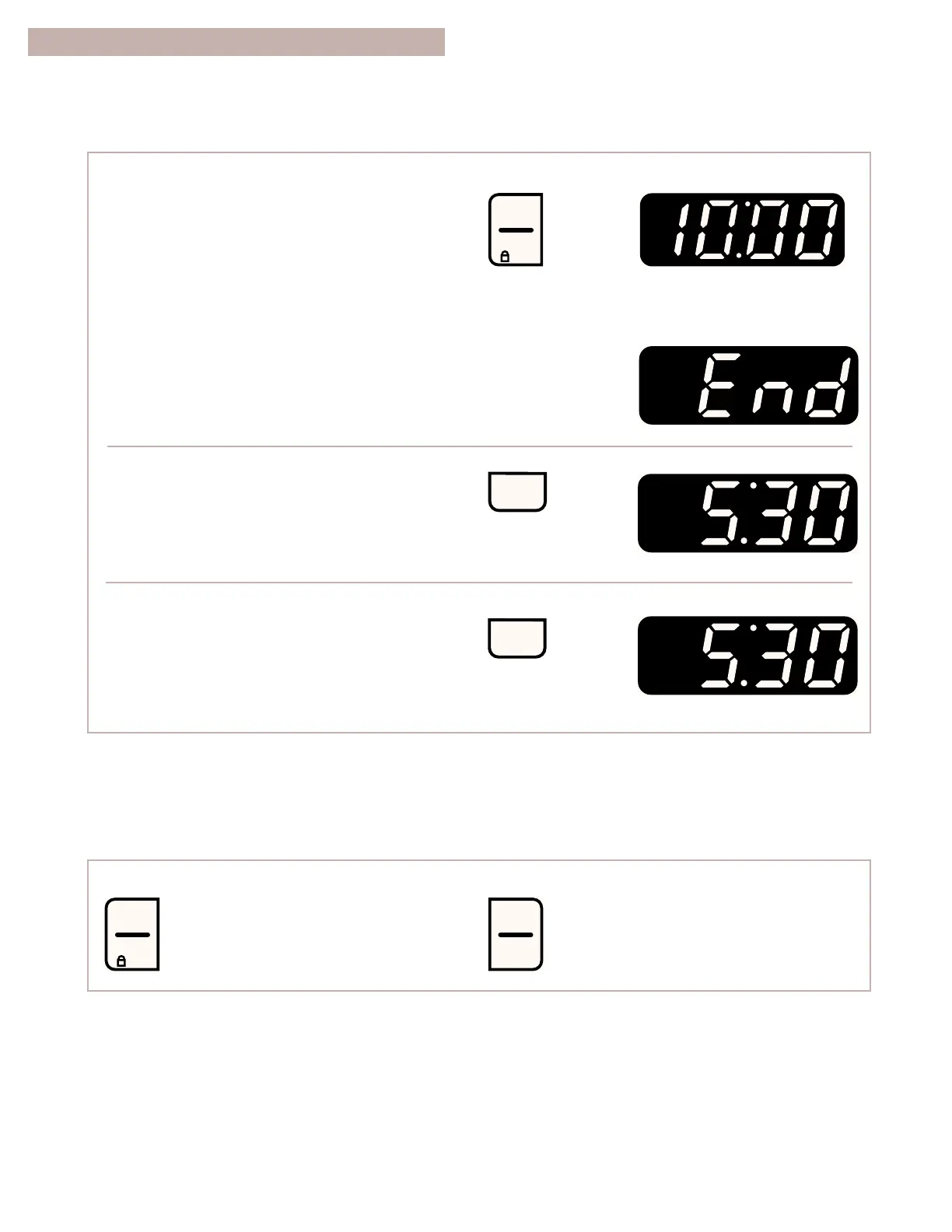
3. Start the minute timer.
The minute timer will begin counting down
immediately after the timer is started.
When the time is up:
You will hear four 1-second tones.
NOTE: To display the time of day while the
minute timer is counting down, press CLOCK.
4. To clear the display, turn off the minute timer.
To cancel the minute timer during
the countdown:
USING THE ELECTRONIC MINUTE TIMER (CONT.)
STARTING/CANCELING A FUNCTION
After setting a function for the first time, you
must press START/ENTER to start
the function.
OFF/CANCEL will cancel any function except for the
clock, minute timer, or control lock.



 To Next Page