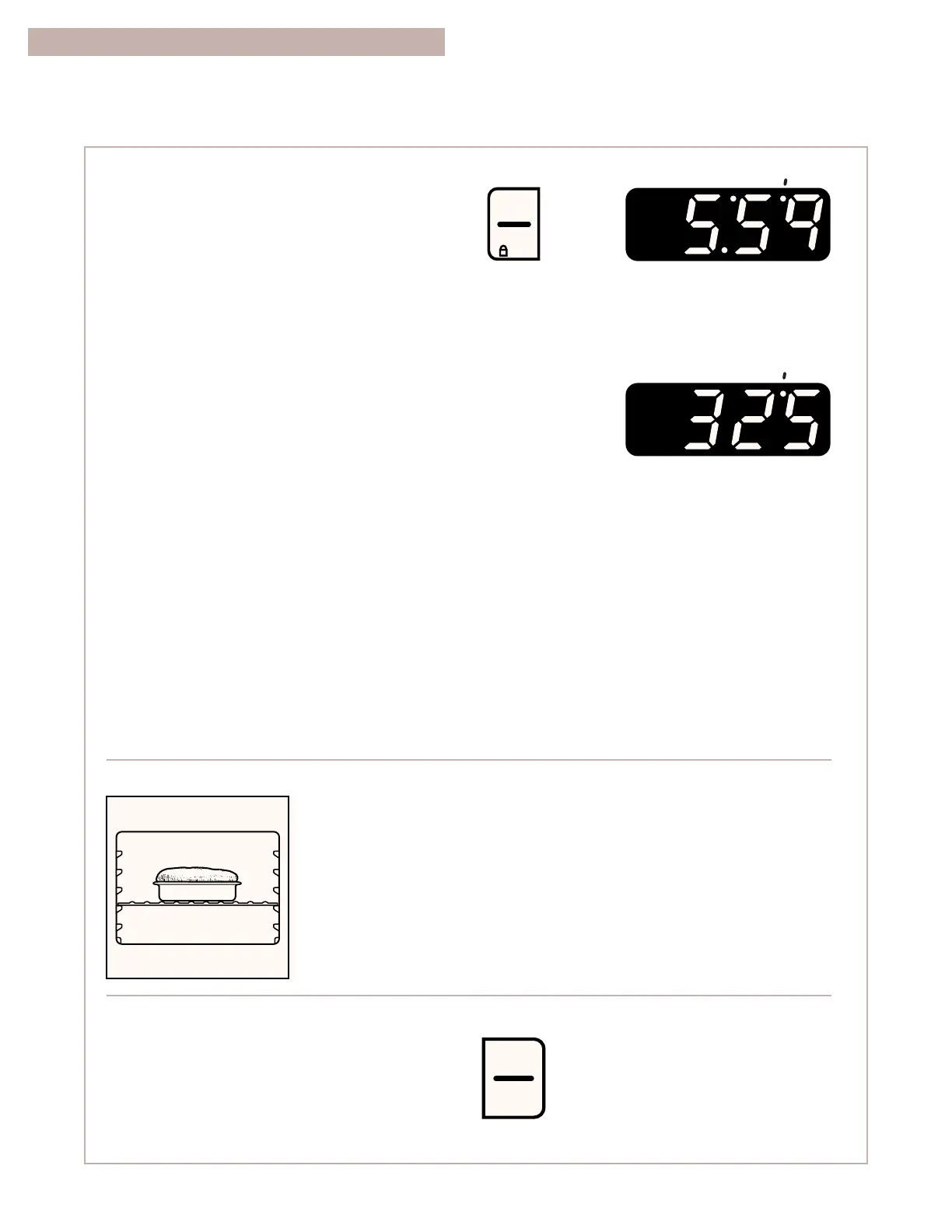
(time of day or minute timer
countdown)
5. Press START/ENTER.
A preheat conditioning time counts down
the approximate preheat time after the oven
temperature has been set and START has been
pressed. The heat, bake, and on indicator lights
will light up. The oven control automatically sets
preheating times based on the oven
temperature you select:
•
For 245°F and less, the preheating time is
4 minutes.
•
For 250°F-445°F, the preheating time is
10 minutes.
•
For above 450°F, the preheating time is
15 minutes.
The oven is preheated and ready to use when
you hear a 1-second tone, the countdown is
finished, and the set temperature is displayed.
The preheat and set temperatures may be
different at the end of the countdown. This is
normal.
NOTES:
•
When the oven temperature is greater than
170°F, no preheat conditioning time will be
shown in the display.
•
You can change the temperature setting any
time after pressing START/ENTER. You do not
have to press START/ENTER again.
(example for set temperature
of 325°F)
PRESS YOU SEE
BAKING/ROASTING (CONT.)
•
The preheat conditioning time will not change
if you reset the temperature before the count-
down time ends.
•
If you are baking/roasting while the minute
timer is counting down, you can see the set
baking/roasting temperature for 5 seconds
by pressing BAKE.
Saving energy
•
To avoid loss of heat, open the oven door as little
as possible.
•
Use a timer to keep track of cooking time.
•
Plan your meals for the most efficient use of the
oven by cooking more than one food at a time, or
baking while the oven is still hot after cooking a
meal.
YOU SEE



 To Next Page