20
USING THE SELF-CLEANING CYCLE
SETTING THE CONTROLS (CONT.)
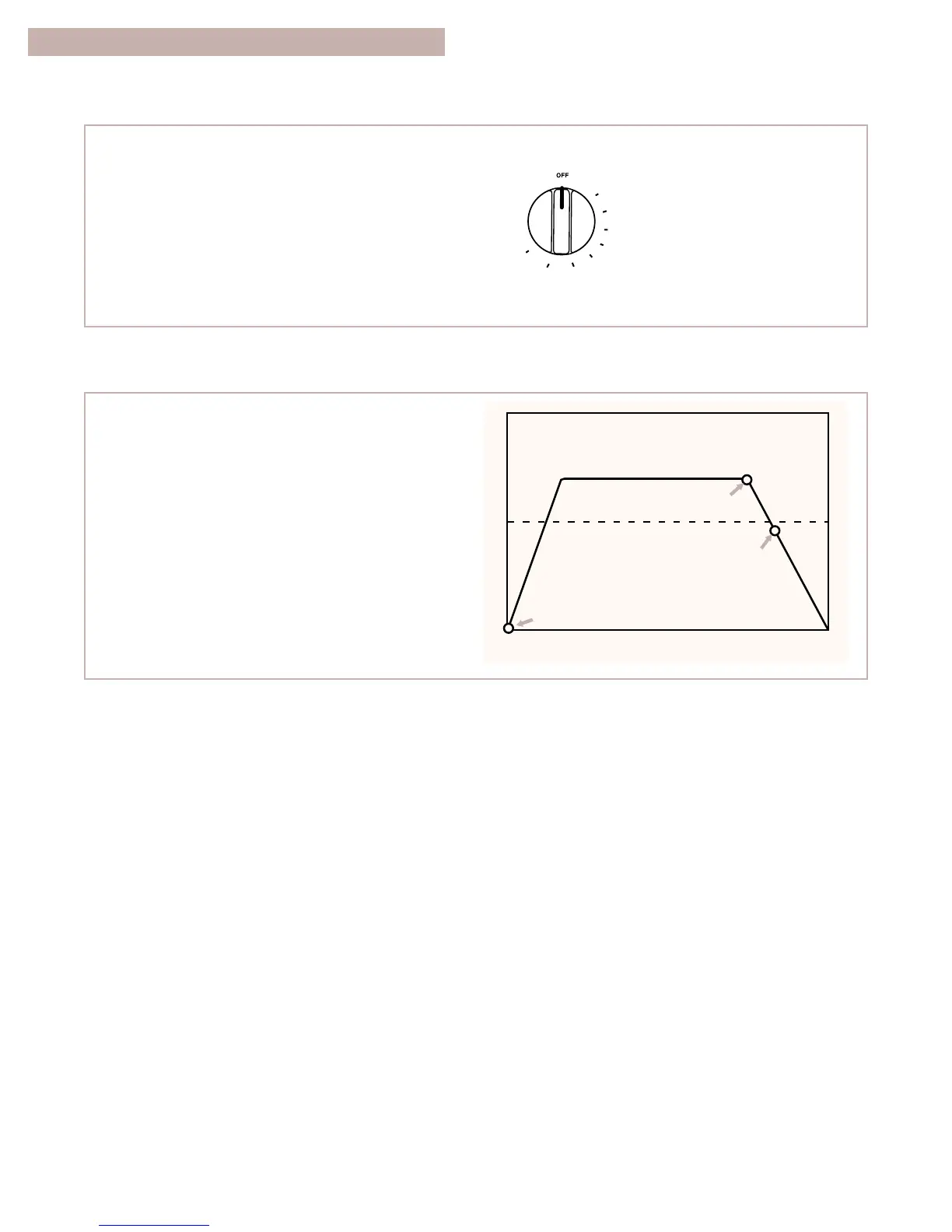
To stop the self-cleaning cycle at any time:
Turn the oven control knob to OFF.
TURN YOU SEE
DOOR LOCKED/
CLEANING light
stays on. COOL
appears in display
until oven goes
below locking
temperature.
The Self-Cleaning cycle uses very high heat to
burn away soil and grease. During the cycle, the
oven gets much hotter than it does for normal bak-
ing or broiling. This high heat breaks up the soil or
grease and burns it away.
Your oven is automatically preset for a 3
1
⁄2-hour
Self-Cleaning cycle.
The graph at the right shows you what happens
in a 3
1
⁄2-hour Self-Cleaning cycle. Notice that the
heating stops
1
⁄2 hour before the 3
1
⁄2-hour setting
is up.



 To Next Page