USINGTHEELECTRONICMINUTETIMER(CONT.)
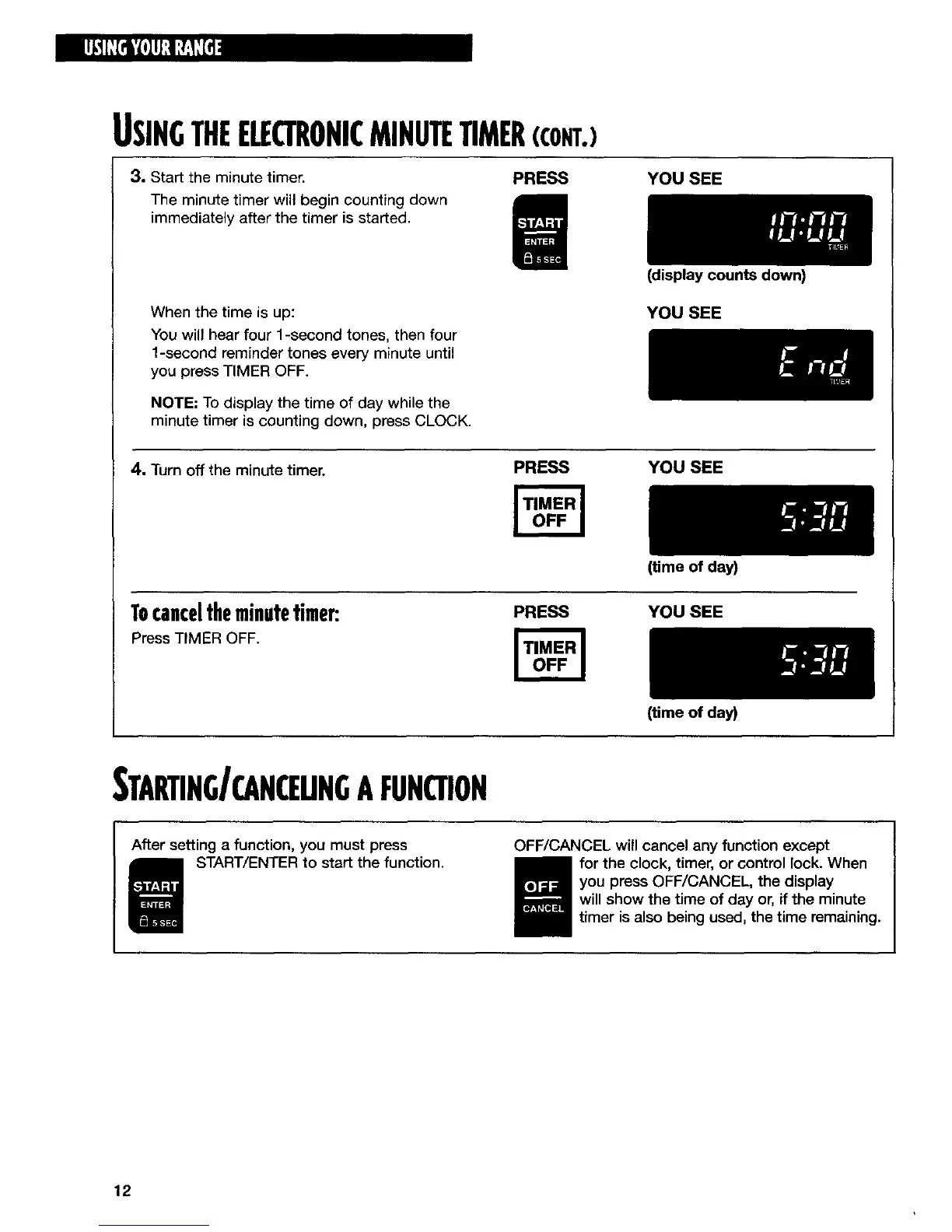
3. Start the minute timer. PRESS
The minute timer will begin counting down
immediately after the timer is started.
YOU SEE
When the time is up:
You will hear four 1-second tones, then four
1-second reminder tones every minute until
you press TIMER OFF.
NOTE; To display the time of day while the
minute timer is counting down, press CLOCK.
(display counts down)
YOU SEE
4. Turn off the minute timer.
PRESS YOU SEE
Tocanceltheminutetimer:
Press TIMER OFF.
(time of day)
PRESS YOU SEE
STARTING/CANCEUNGAFUNCTION
After setting a function, you must press
START/ENTER to start the function.
(time of day)
OFF/CANCEL will cancel any function except
for the clock, timer, or control lock. When
you press OFF/CANCEL, the display
will show the time of day or, if the minute
timer is also being used, the time remaining.
12



 To Next Page