EasyManua.ls Logo

Whistler BT2200 - User Manual

Whistler BT2200
21 pages
Print Icon
To Next Page IconTo Next Page
Loading...
The Whistler Group Inc. - Corporate Offices
3604 NW Frontage Road
Bentonville, AR 72712
1-800-531-0004
The Whistler Group Inc. - Customer Return Center
551 North 13th Street
Rogers, AR 72756
www.whistlergroup.com
P/N 303000 © 2009 The Whistler Group Inc.
OWNER’S MANUAL
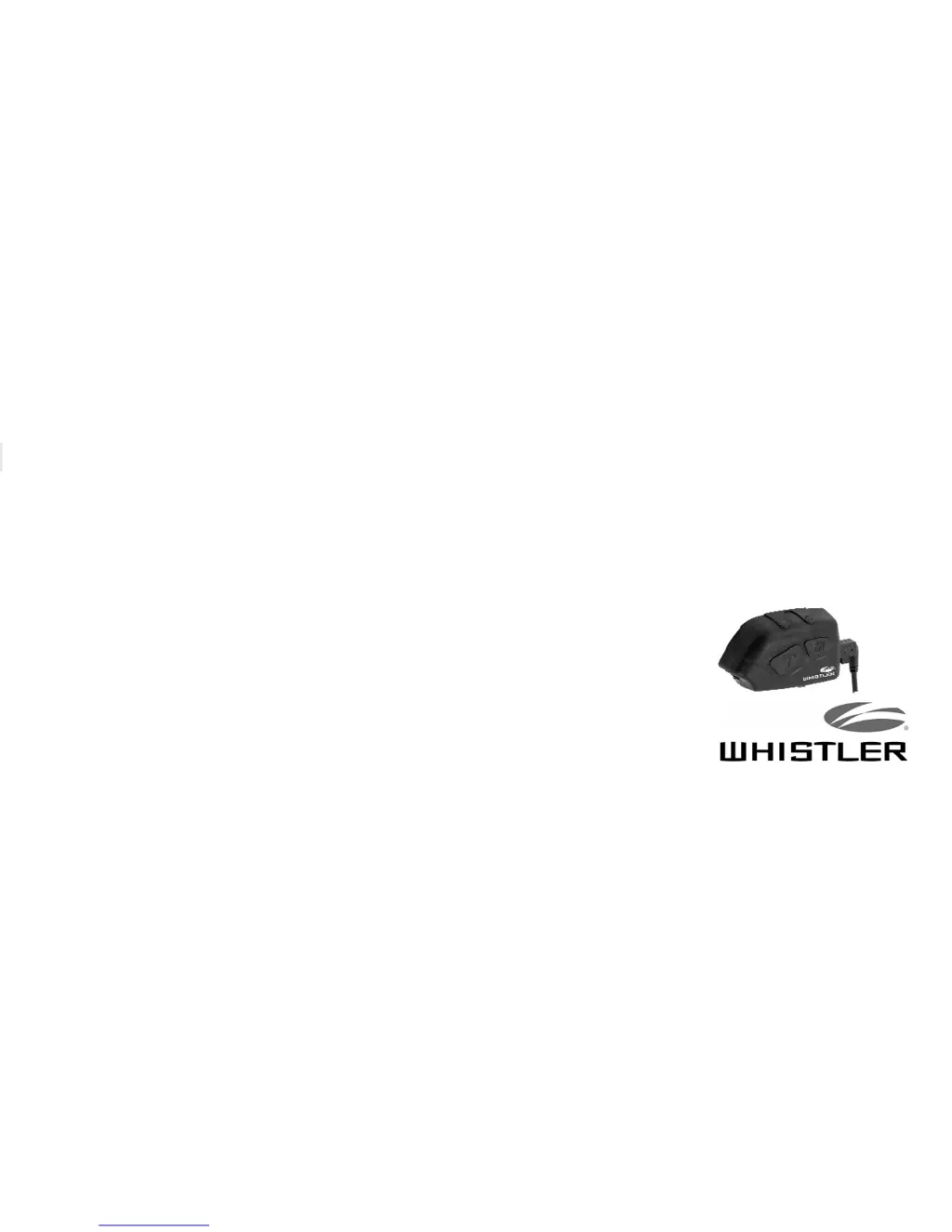
Whistler Bluetooth Headsets
Models:
BT2200 (Class2/CH2)
BT2300 (Class2/CH2)
BT3200 (Class1/CH2)
BT3300 (Class1/CH2)

Questions and Answers

  • H
    huberericAug 11, 2025
    What to do if my Whistler Headsets are on, but I cannot hear any sound?
    • N
      Nicolas MaxwellAug 11, 2025
      If you cannot hear any sound through the speakers of your Whistler Headsets, check the volume level and increase it if necessary. Also, verify that the speakers are working correctly and that the USB connector and jack are fully engaged. Ensure the speakers are correctly positioned in the helmet.
  • R
    Rachel WebsterAug 21, 2025
    Why my Whistler Headsets cannot be switched on?
    • J
      Joseph LopezAug 21, 2025
      If your Whistler Headsets cannot be switched on, check the battery status and charge the headset if necessary. Ensure the headset is fully charged before its first use.
  • A
    Angela SanchezAug 31, 2025
    How to fix Whistler Headsets that won't automatically connect to paired device?
    • J
      Jason SullivanAug 31, 2025
      If your Whistler Headsets don't automatically connect to the last paired device, ensure that Bluetooth is activated on the other device. Try switching all devices off and on again, then put them in pairing mode. If the problem persists, reset the headset and pair the headset and device again.

Whistler BT2200 Specifications

General IconGeneral
Standby TimeUp to 200 hours
Operating RangeUp to 33 feet (10 meters)
Charging Time2 hours
Noise CancellationYes (Noise-canceling microphone)
CompatibilityBluetooth enabled devices