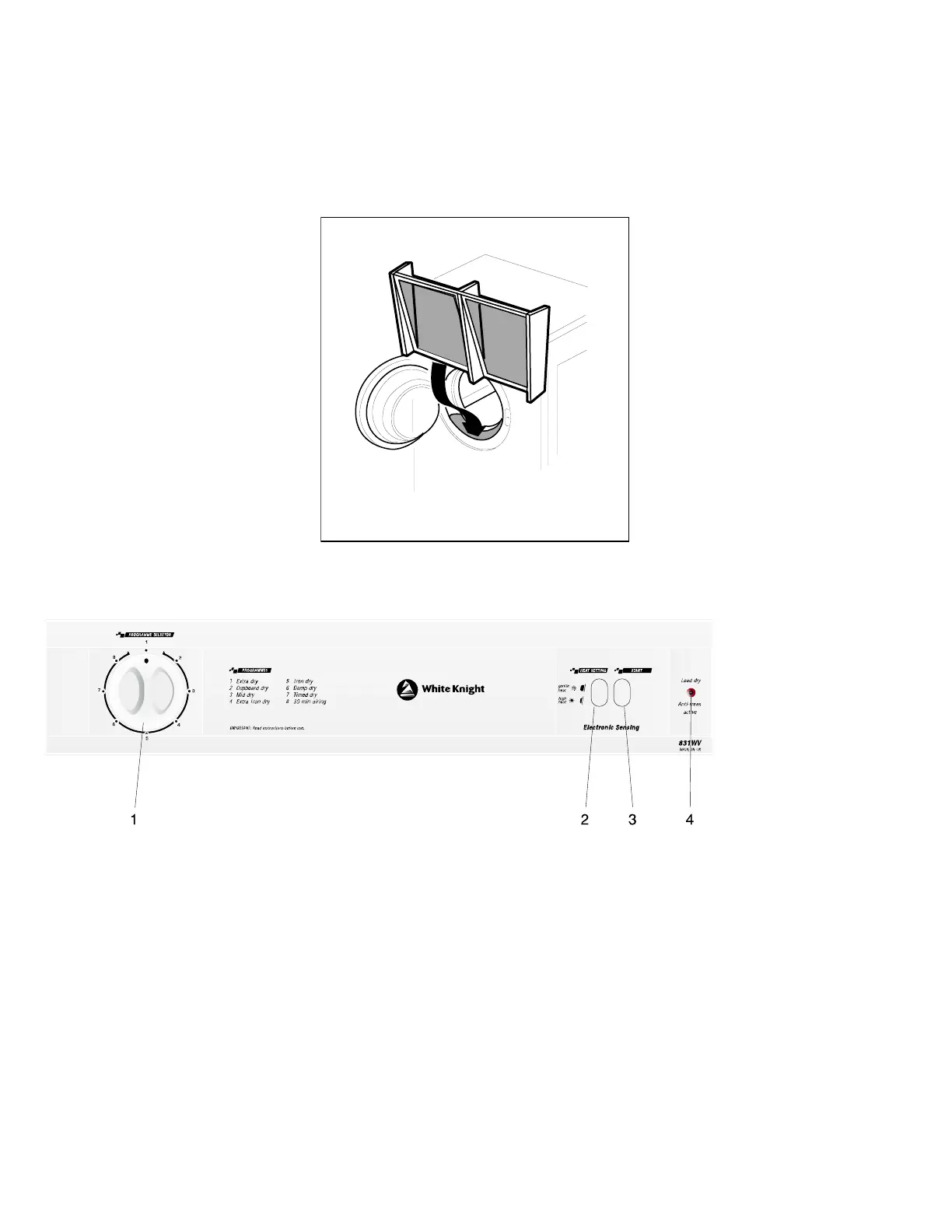
THE FILTER
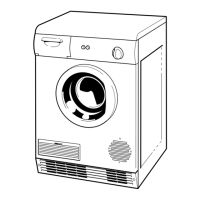
The filter is found, as seen from the diagram, by opening the door and must always be in position when drying
items in the appliance. To allow the dryer to operate efficiently it should be cleaned after each drying cycle. Do
not be alarmed by the amount of fluff deposited on the mesh. It is not due to excessive wear caused by the dryer
but more an indication of it’s efficient operation. All fabric loses fluff when drying but it goes unnoticed into the
air. In a tumble dryer it simply collects in the filter.
CONTROL PANEL GUIDE
1. PROGRAMME SELECTOR: Choose the final dryness of the load by selecting the desired dryness setting (see
the programme chart). The dryer will stop automatically when the chosen
dryness is achieved. Note: the use of an iron dry programme will use 30% less
energy than a cupboard dry programme.
2. HEAT SETTINGS:
High – For fabrics insensitive to higher temperatures, such as cotton.
Low – For temperature sensitive clothes.
3. START BUTTON: Press to start the drying cycle.
4. ANTI-CREASE ACTIVE When lit constantly, the neon indicates that the drying
NEON cycle is completed and clothes can be removed. To
reduce creasing of clothes, anti-crease will
automatically start once the drying cycle is complete.



 To Next Page