3
WHY-EP
1. While pressing the button 1 of the “WHY-EP”, at the same time press 4 times the 2 button.
2. Release both buttons. Now the WHY-EP LED emits a short flash every 2 seconds.
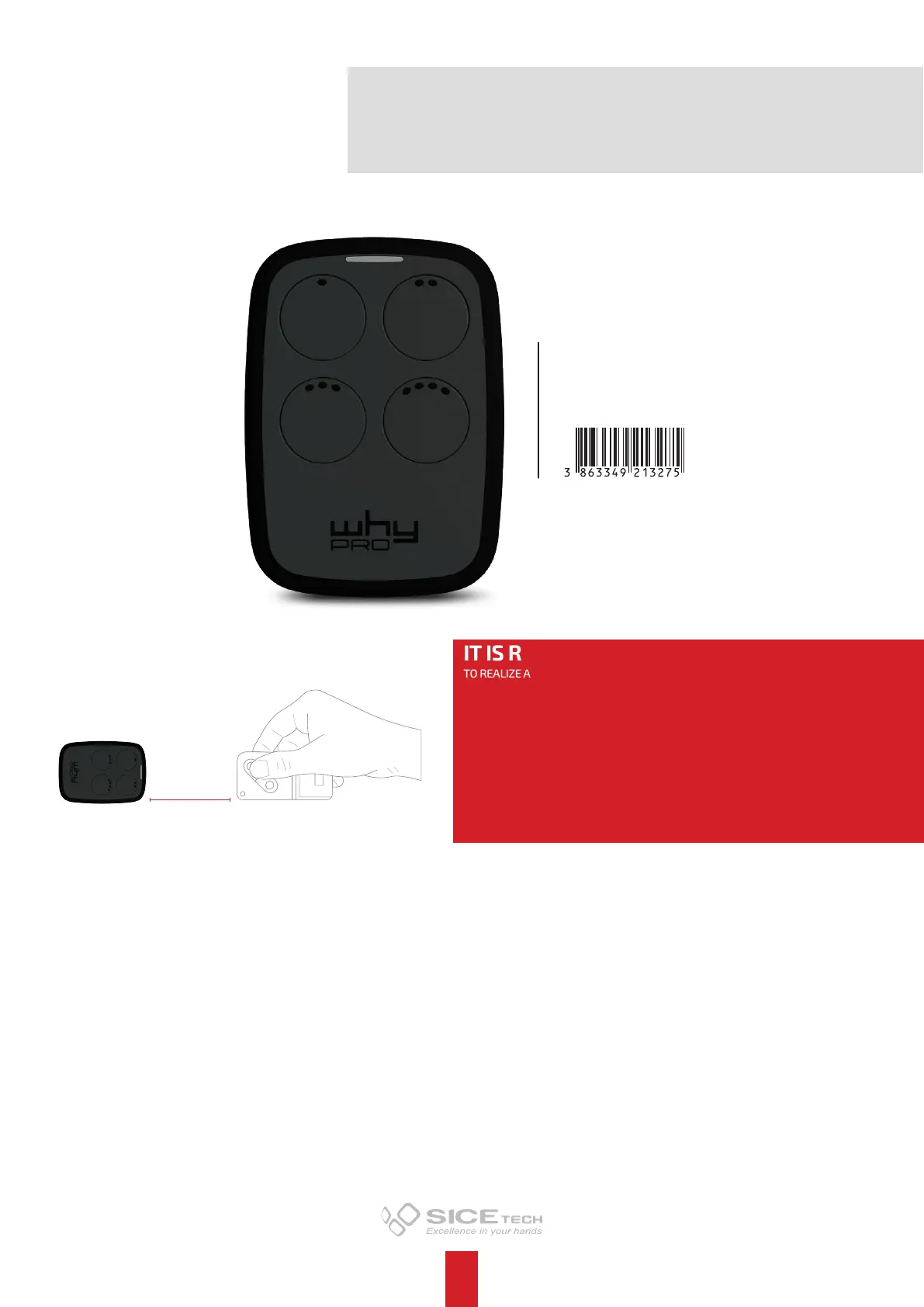
3. Place the original remote control to be programmed in front of the “WHY-EP”, at about 5 cm of distance (as shown in the picture).
4. Press and retain pressed the button of the original remote control and wait for a change flash (as a faster flash) of WHY-EP LED
and a change of its color that confirms the correct learning of code. This step may take a few seconds.
5. While the LED is flashing, press the button of the “WHY-EP” where you want to program the code just learnt, and retain pressed
until the LED switches o. This step may take some seconds.
6. The copy has been happened with success. Now check on the automation the correct functioning of the new WHY-EP remote
control.
Notes:
• If the LED flashes only 3 times and switches o, the code has not learnt correctly. Please repeat the operation from the step 1.
• The WHY-EP memory is completely re-writable.
• To duplicate further buttons of WHY-EP, please repeat the operation from the step 1.
FIXED CODE
DUPLICATING PROCEDURES
BEST POSITION FOR THE
DUPLICATION
5 cm
IT IS RECOMMENDED:
TO REALIZE A CORRECT DUPLICATION OF THE REMOTE CONTROLS, WE RECOMMEND TO
FOLLOW THE PROCEDURES HERE BELOW TAKING CARE TO DISTANCE YOURSELF BY TOOL
THAT CAN GENERATE FREQUENCY TROUBLES AS:
CORDLESS
WI-FI VIDEO SURVEILLANCE DEVICES
MOBILE PHONES, SMARTPHONES OR TABLETS
WI-FI OR BLUETOOTH ACTIVED IN YOUR COMPUTERS
ELECTRONIC MOTOR
NEON LIGHTS
WIRLESS DEVICES FOR BACK END MANAGEMENT IN THE BUSINESS STORES
ART. 4791001
WHY-EP


 To Next Page
 Loading...