17
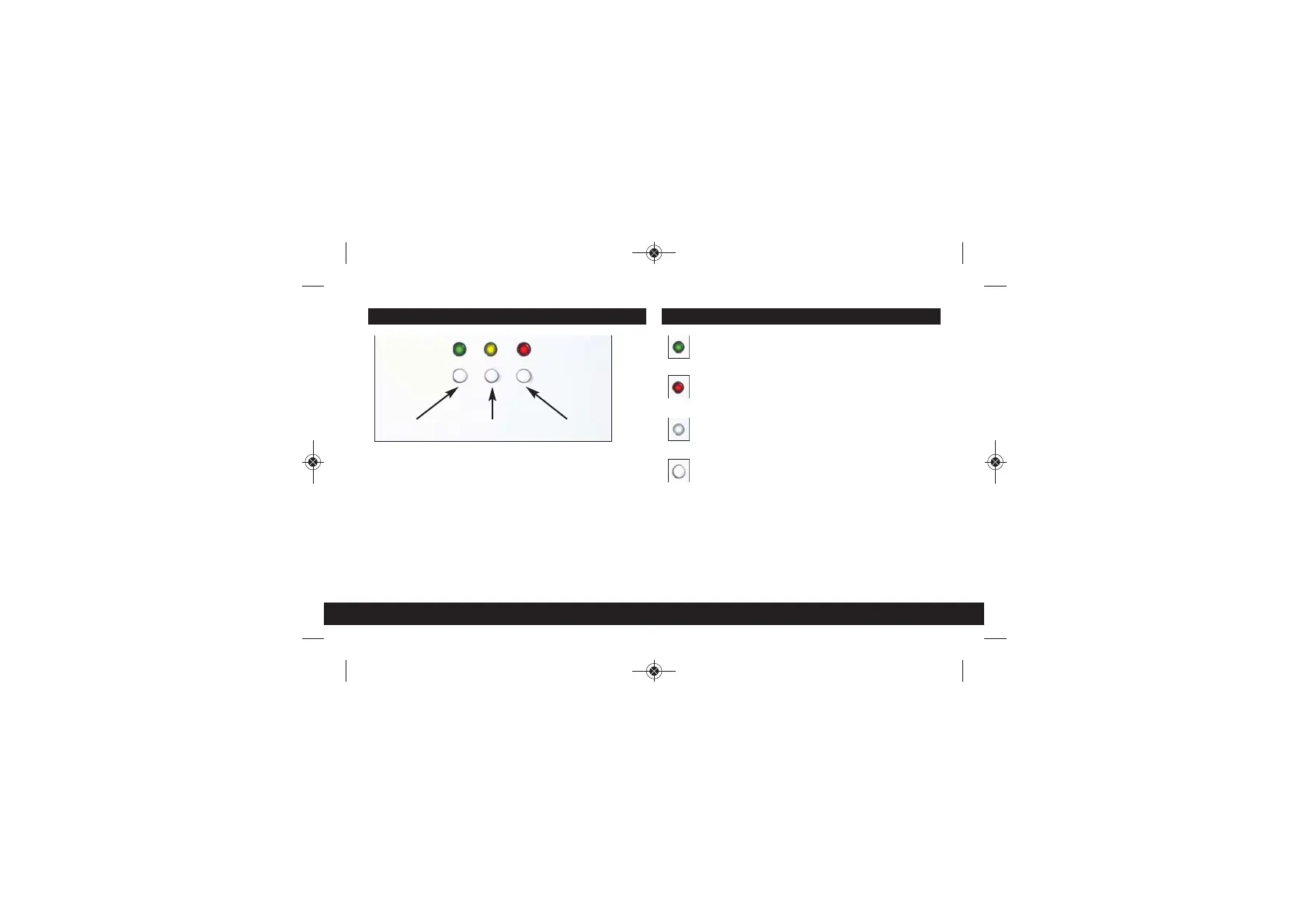
RESET
GREEN LED
Power is on and the wall
socket is ready to use.
RED LED
Wall socket is in
boot-up mode.
NO LED
Power is off.
BUTTON FUNCTIONS
Quick Press: Re-boots the wall socket.
5 Second Press: When pressed in conjunction with the
Powerline button for 5 seconds or more it
will initiate a full factory reset. This will clear
all configuration settings and return the
unit to its default settings.
Reset Powerline WiFi
BUTTONS & LED FUNCTIONS
Please Note:
The LED on/off setting in the User Interface (UI) must be
set to ON otherwise all LED’s will appear as OFF.
Starter Kit - Install guide PRINT - 2018_Layout 1 09/01/2018 09:41 Page 21


 To Next Page