18
WIFI
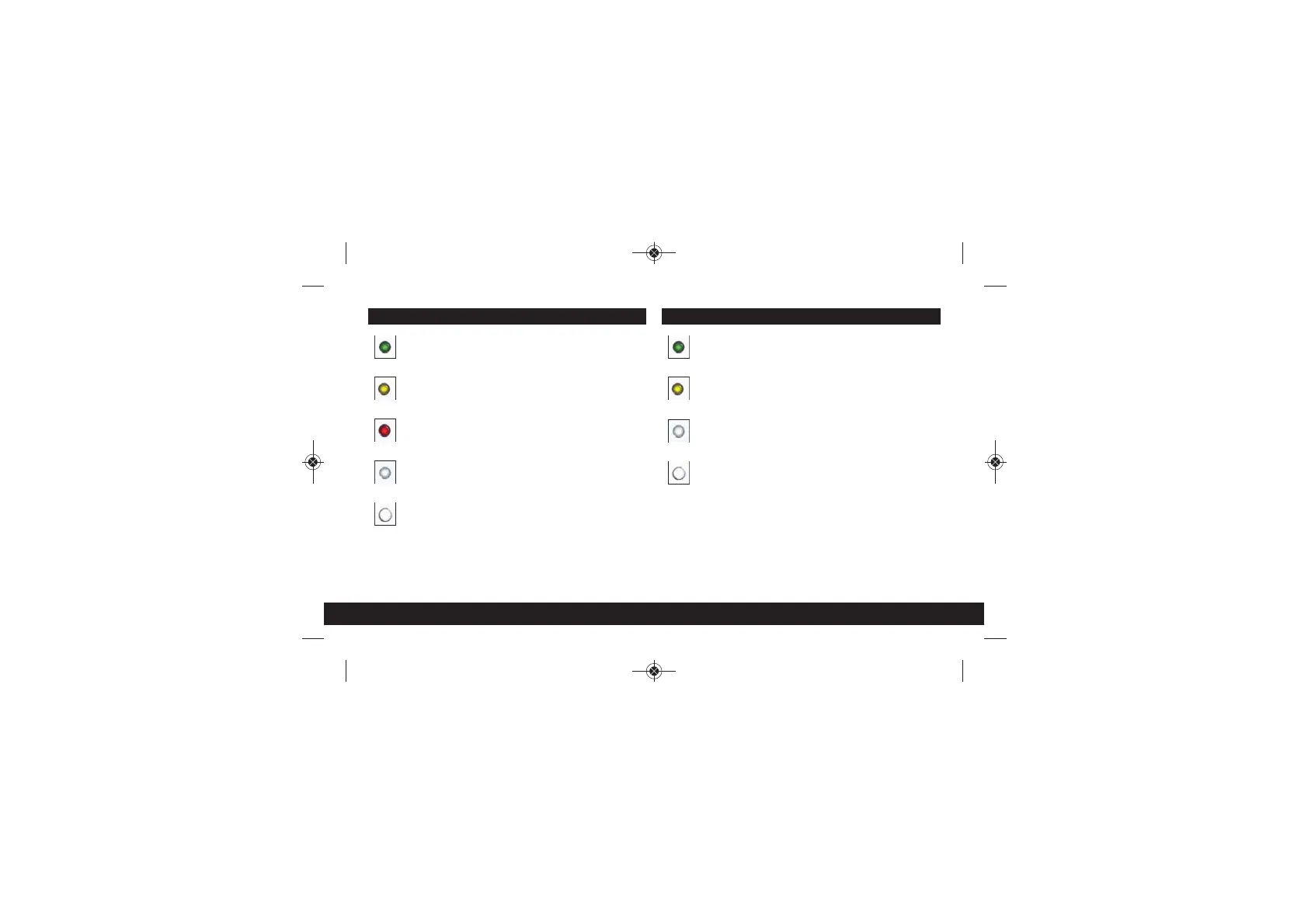
GREEN LED
WiFi is on.
YELLOW LED
WiFi is disabled by
the time scheduler.
NO LED
WiFi is off.
BUTTON FUNCTIONS
Quick Press: Turns WiFi on/off.
Please Note: If the Wifi is disabled via the
User Interface (UI) it cannot be switched
back on by pressing the button.
POWERLINE
GREEN LED
Powerline detected
at high speed.
YELLOW LED
Powerline detected
at medium speed.
RED LED
Powerline detected
at low speed.
NO LED
No Powerline network
connection.
BUTTON FUNCTIONS
Quick Press: Initiates Powerline pairing mode.
5 Second Press: When pressed in conjunction with the
Reset button for 5 seconds or more it
will initiate a full factory reset. This will clear
all configuration settings and return the
unit to its default settings.
Starter Kit - Install guide PRINT - 2018_Layout 1 09/01/2018 09:41 Page 22


 To Next Page