V. SYSTEM SOFTWARE DESCRIPTION / PROGRAMOWANIE
ENG
The machine is pre-set and ready to
work.
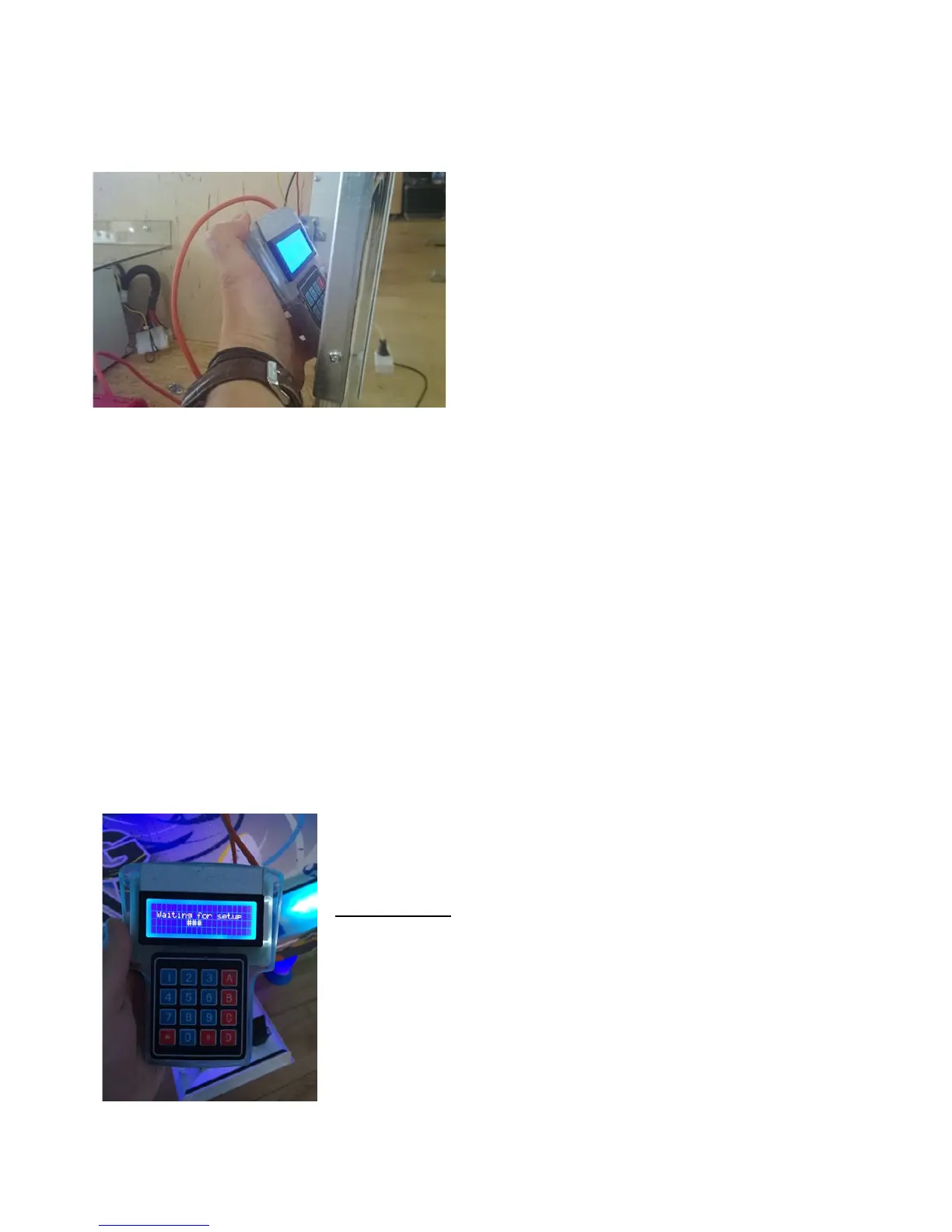
To change settings, open the metal door on
the coin acceptor’s side of the table and
take out the keyboard.
You can enter the menu by pressing A button for 5 seconds (you will see #’s appear
on the screen) until you are asked to enter the PIN code. Enter factory default PIN
code – 1111 (gives you access to the programming menu).
It is recommended to set a new PIN code with your personal numbers in
programming position no. 20.
Now you can move to the option you want to set (e.g. 01, 05, 17) by pressing B (up)
and C (down) buttons. To enter and change the option press # until the lower line
with the position you want to change starts blinking. To change value use B and C or
0 – 9 numeric buttons. By pressing # you confirm the changes and the new values of
the chosen option – the number in the first line starts to blink. Use buttons B and C
if you want to go to another option. To confirm all changes and exit from the
programming menu press A button for 5 sec until “EXITING SETUP” appears on the
score display.
Keyboard navigation listed below:
(also found on the back of the keyboard)
KEYBOARD:
A – enter/exit to/from programming menu
B – navigating in the programming menu (up)
C – navigating in the programming menu (down)
# - entering and navigating in the submenu (bottom lines
with values you want to change)
D, * - exit (escape) from submenu


 To Next Page
 Loading...