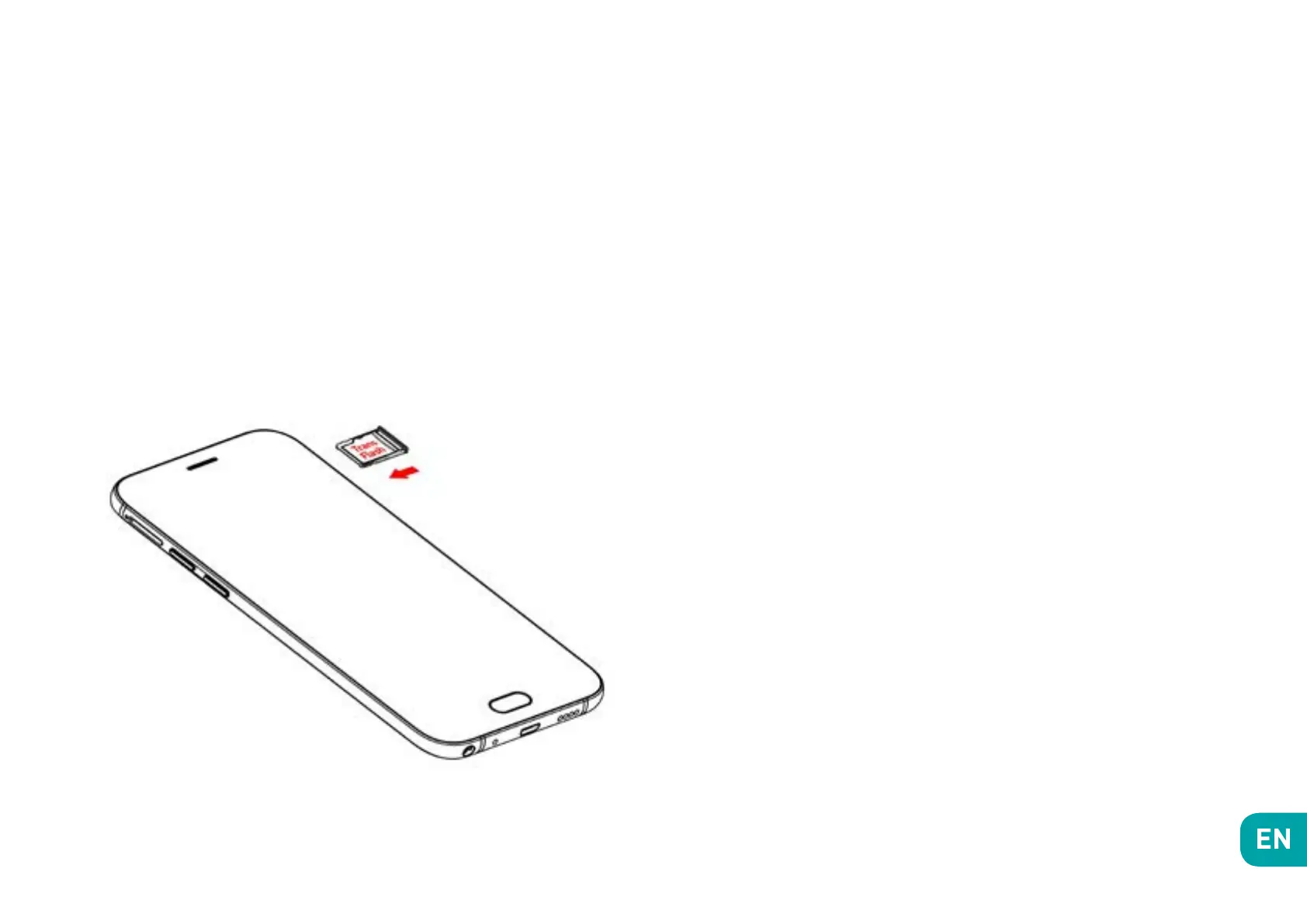
~ Installing Memory Card
Your phone takes a MicroSD memory card of up to
128 GB.
Insert the microSD memory card following the diagram
below.
~ Charging the Battery
A flashing red light indicates that the battery level is
very low: the battery should be recharged because, if
the level is too low, it may shorten the life of the battery.
Connect the charger to a power outlet and the micro
USB connector to the phone’s USB port.
The phone’s status indicator changes to red, indicating
that the device is charging.
Once the phone has finished charging, the status indica-
tor changes to green and you should unplug the charger.
For more information, refer to the Safety Information
section.


 To Next Page