6
Default Selection
Redirect
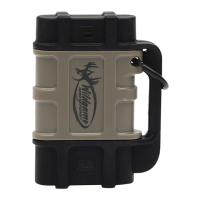
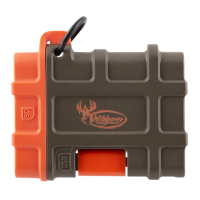
5. Once the reader is connected, a message will pop up on the device that
the Wildgame Viewer app would like to communicate with the connected
card reader. Click “Allow.”
6. This should automatically redirect you to the app. Select “External
Storage” from the home screen. Select “DCIM” from the next screen
and then “100MEDIA” from the next.


 To Next Page