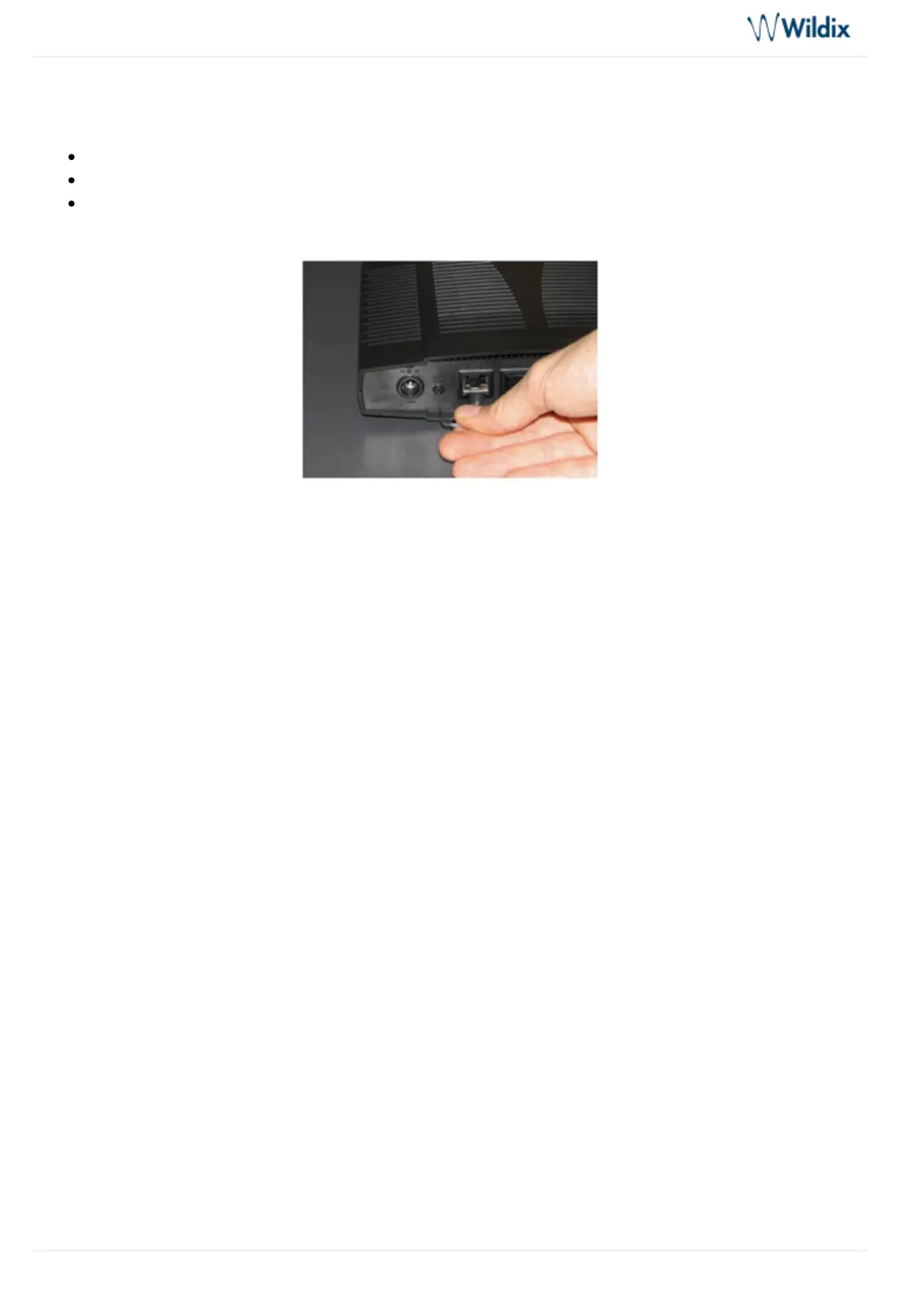
In case you need to reconfigure the BRI gateway, you should perform a reset procedure, as shown on the
picture. The switch marked as “ ” is situated on the rear panel of the gateway.Reset/Default
Use the paper clip or the object of the similar shape to press the button
Hold the button until all the LEDs of the gateway stop blinking and remain turned on (circa 10 seconds)
Release the button and wait for the reboot of the gateway
In case the LEDs remain turned on for more than one minute after the reset procedure, disconnect the power
supply and repeat the reset procedure when the device starts.



 To Previous Page