STC-TGL1
www.wildviewcam.com Toll Free 888-304-6125
14
• When you have completed the testing the coverage area open
the front housing and slide the power switch from Test position
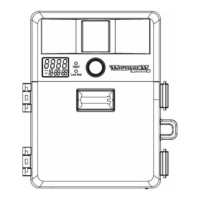
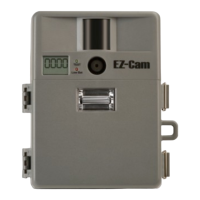
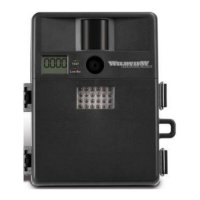
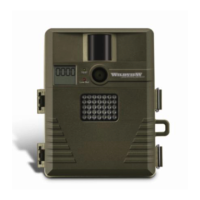
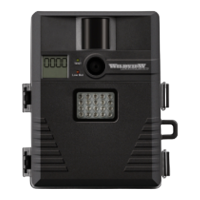
to PIR position. Front LCD counter will show “0000”. The
camera will enter count down mode for 1 minute and front
green indicator will start blinking giving you one minute to leave
the coverage area. Then the camera will enter PIR detection
mode.
NOTE
: Make sure you slide the power switch from TEST mode
to PIR mode before you leave the field. Otherwise the Camera
will not take any pictures.
Switch use
: Do not move the switch from OFF directly to PIR.
Doing so will cause the camera to not operate. Slide the switch
to test, wait for the front LCD screen to display “tESt” then
continue to slide the switch to PIR.
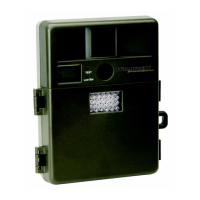
The flash lighting will only activate in low light conditions.


 To Next Page