Wildview Series
www.wildviewcam.com Toll Free 888-304-6125
11
o 3P: Three images continuous capturing per PIR
triggering
o AVI: 10 second video clip per PIR triggering
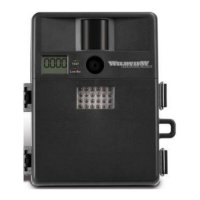
• FULL: When memory capacity is full, this front LCD
screen will show “FULL”
Programming your Wildview Camera
The following setting must be performed before you
turn on the camera.
1. Select the time out interval by sliding the time out
toggle switch to the desired preset time interval in
minutes. 1 / 5 / 10 / 20 minutes.
2. Select the resolution setting by sliding the resolution
toggle switch to the desired resolution setting. Hi /
Lo resolution.
3. Select the Flash mode: Slide the switch to either
Auto / On / Off position.
a. Auto – Flash on based on surround light


 To Next Page