Wildview Series
www.wildviewcam.com Toll Free 888-304-6125
16
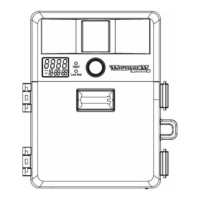
In order to obtain proper weather resistance,
please make sure that both door latches are
securely locked in place.
Testing the camera coverage area
One of Wildview Scouting Camera’s features is the ability
to test the coverage area.
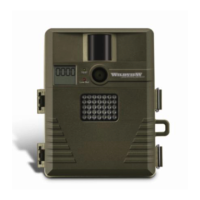
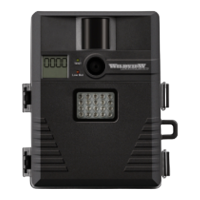
• After mounting the camera, open front housing and
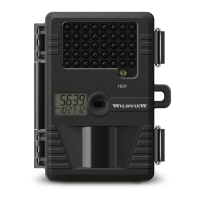
slide the power switch to Test position. The front
LCD will display the word “tESt”.
• Close the front housing.
• Walk around in the front of the camera to see if you
have mounted the camera in the proper position. A
green indicator light on the front will blink when you
have intruded the coverage area.
• Adjust the camera position as needed and repeat
testing until the desired coverage area is achieved.


 To Next Page