Wildview Series
www.wildviewcam.com Toll Free 888-304-6125
20
• If your computer doesn’t run automatically, please
click “Start” button and choose “Run”, and then
browse the CD drive and click “Setup”.
Viewing the images on your computer
• Slide the power switch to OFF position.
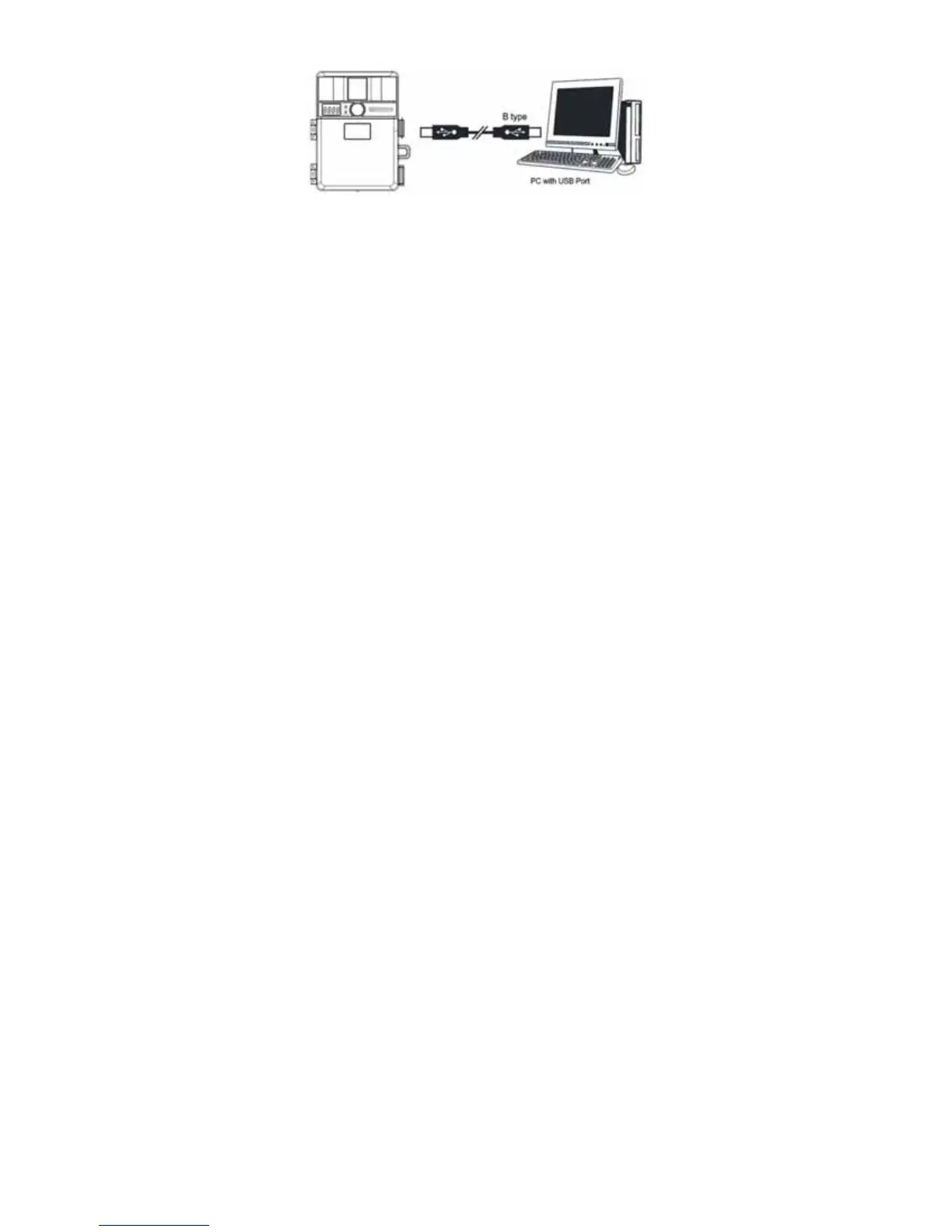
• To view the images simply plug one end of the USB
cable into an available USB port on your computer.
• Plug the other end of USB cable into the camera.
The camera will automatically power ON. Front LCD
screen will show “USb”
• At the same time, your computer will recognize the
camera as a mass storage device and will be found
under MY COMPUTER.


 To Next Page