5.
Enter your email address, press Next, then enter your password and press Next.
6.
Choose how often the phone checks for email. Checking more frequently uses more battery and
mobile data - every hour is a good compromise.
7.
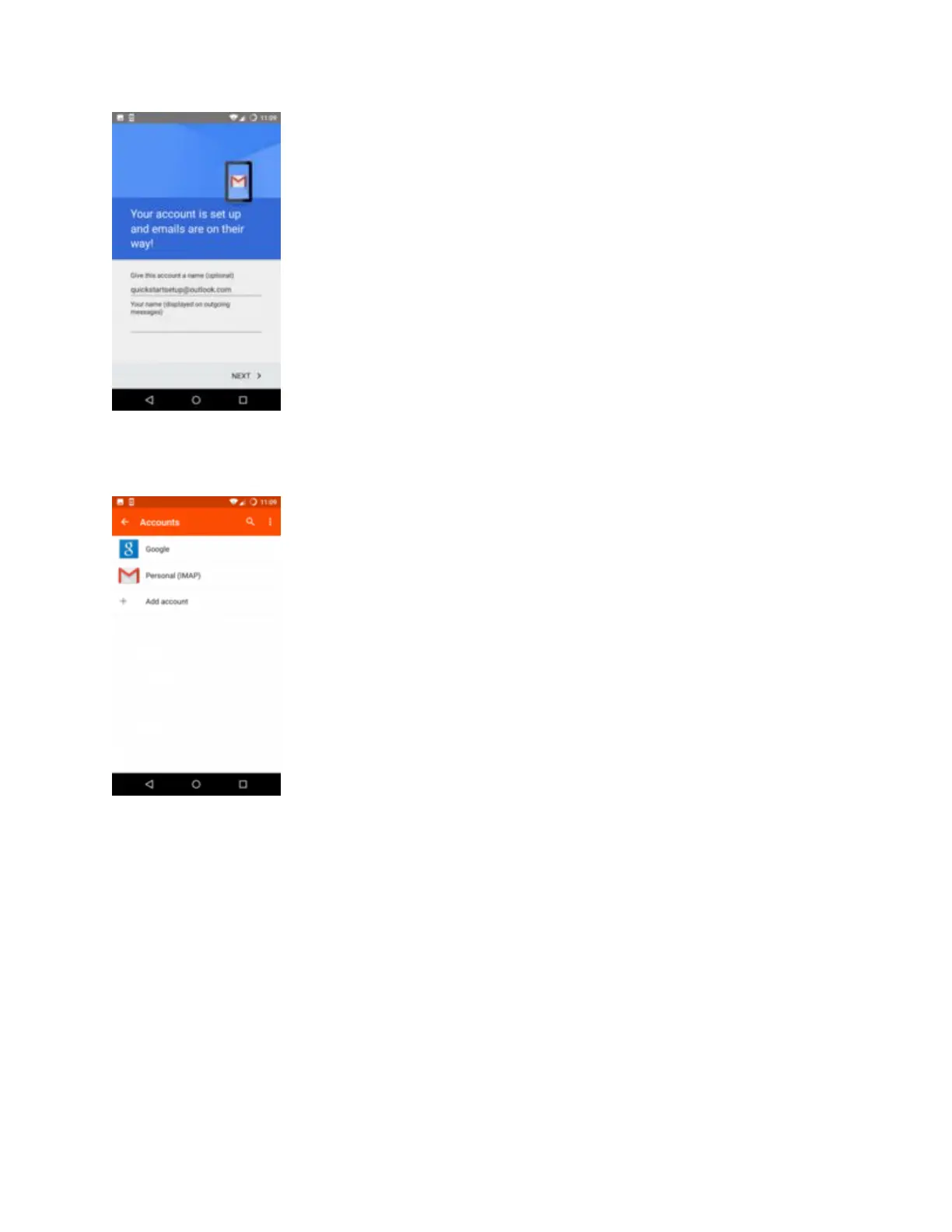
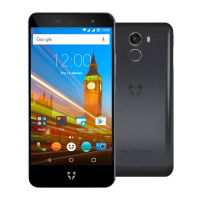
Choose a name for your account, then type your name (it'll be shown on emails sent from your
phone). Press Done.


 To Next Page