Your phone can now send and receive emails from your added account. If it didn’t work, you
might need to add the email server settings manually. For more information, check our guide to
email server settings.
6. Setting up a lock screen
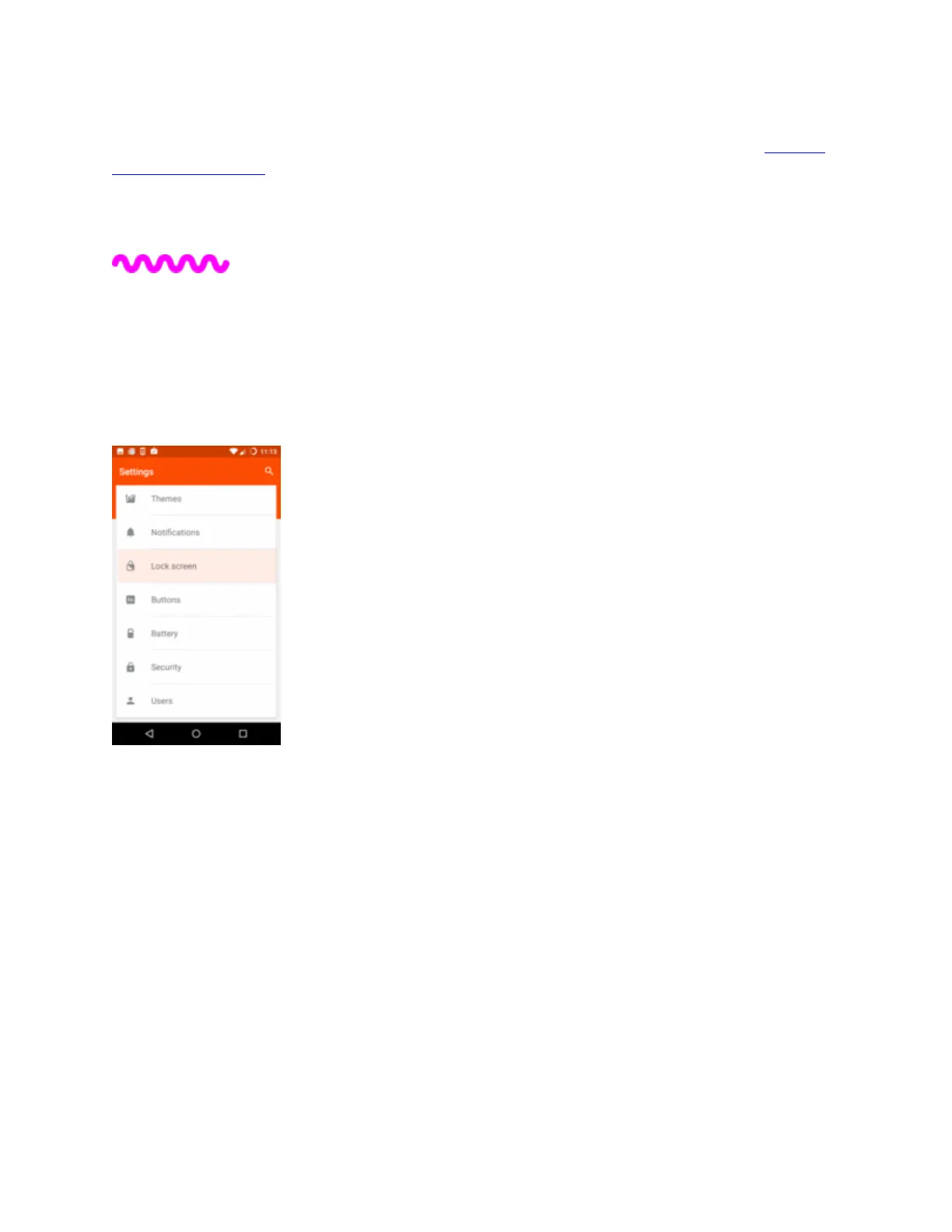
We always recommend keeping your phone safe with a lock screen. If you didn’t do it when you
set up the phone, these steps show you how.


 To Next Page