8
English
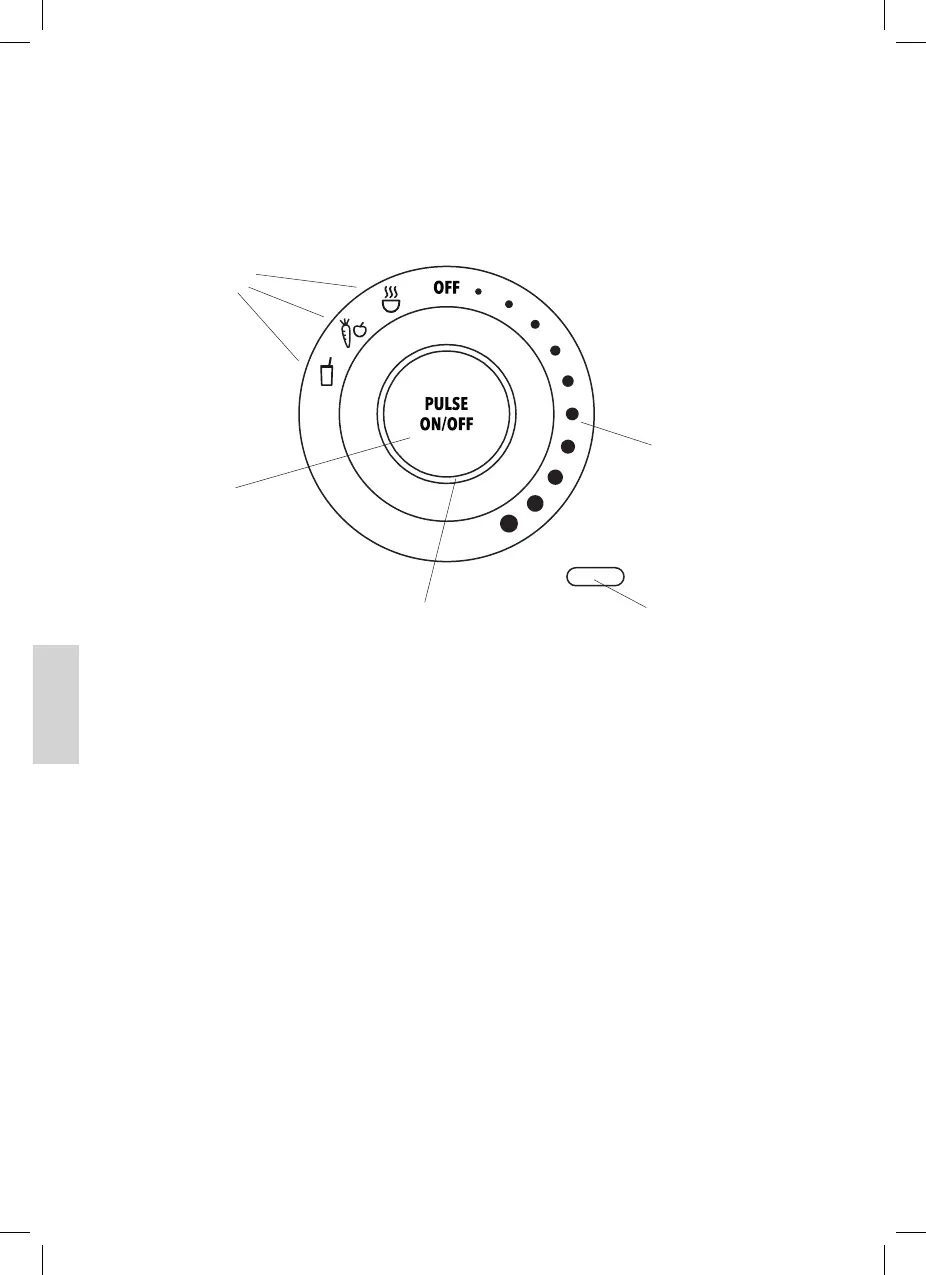
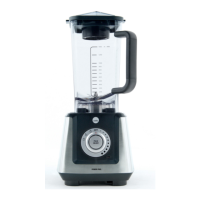
Control Panel
How to Use
Check that the electrical rating shown on the rating plate corresponds with
your household electricity supply.
Stand-by mode and energy saving mode
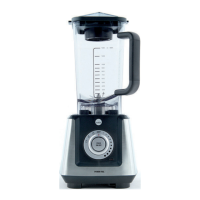
Plug in the blender and set the blender jug on the base unit. The power
light and indicator lamp will light up in red; the blender is now in stand-
by mode.
If the blender is left idle for 3 minutes the blender will go into energy
saving mode; the power light will remain lit with a red light, while the
indicator lamp will go out. (From energy saving mode, the unit will go
into stand-by mode when any key is pressed)
ON/OFF button
This button is the ON/OFF key for the pre-set programs. A selected
pre-set program function will only be activated by pressing the
ON/OFF
button. Pressing the
ON/OFF
button again will stop the unit.
Pre-set program
Icons
Indicator lamp
Power light
Speed dial
Pulse
button
On/OFF
Button


 To Next Page