EasyManua.ls Logo

Will Burt Stiletto AL 4-Meter - User Manual

Default Icon
114 pages
Print Icon
To Next Page IconTo Next Page
Loading...
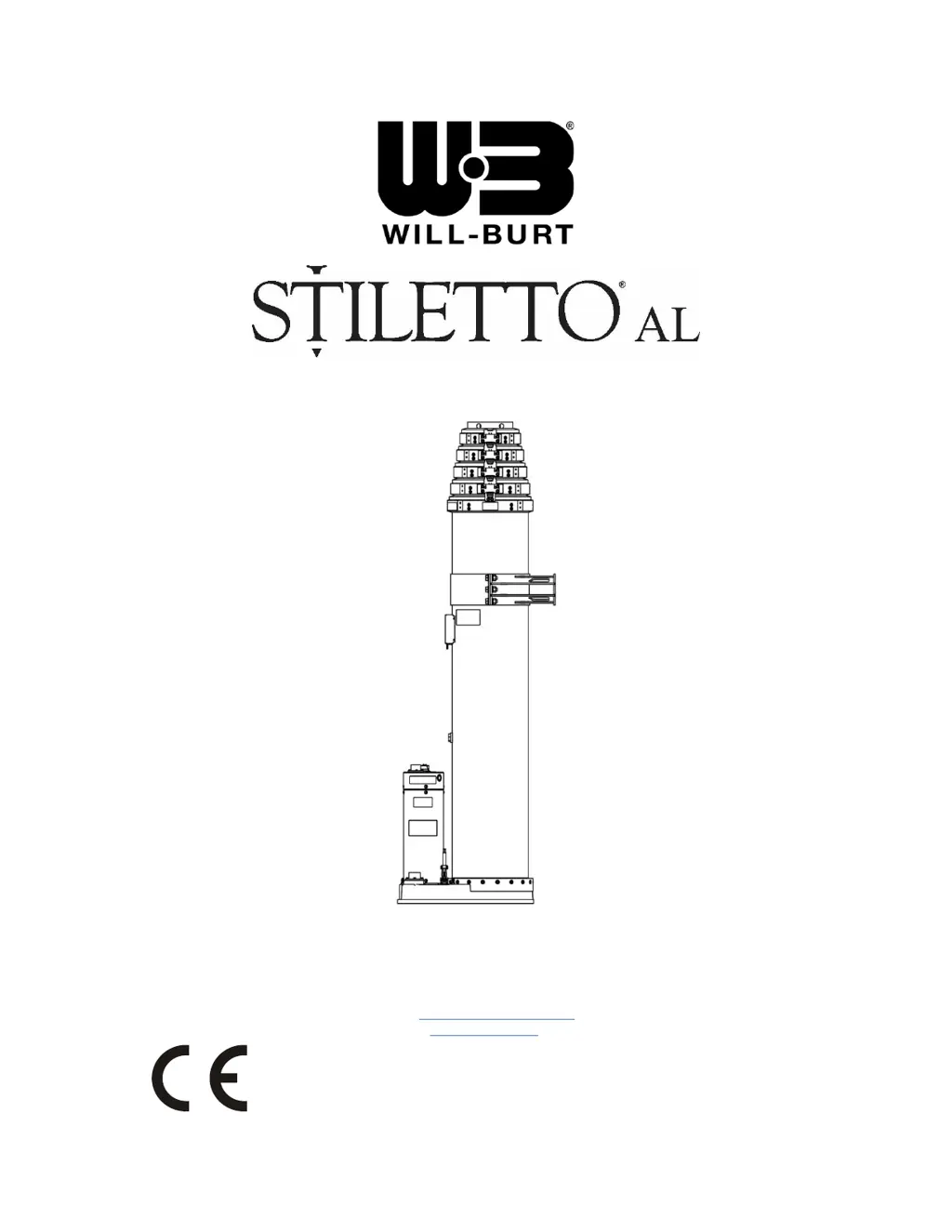
STILETTO AL OPERATING INSTRUCTIONS
(6-Meter Stiletto AL P/N: 711990692 Shown)
The Will-Burt Company Phone: +1 330 682 7015 TP-5418901-F, August 2020
401 Collins Blvd E-Mail: contact_us@willburt.com © 2020 The Will-Burt Company
Orrville, OH 44667, U.S.A. Website: www.willburt.com Original Instructions
Authorized Representative:
GEROH GmbH & Co. KG
Fischergasse 25
D-91344 Waischenfeld, Germany

Table of Contents

Questions and Answers

  • S
    Steven DayAug 19, 2025
    What to do if my Will Burt Stiletto AL 4-Meter Desktop mast has stopped moving downward?
    • C
      coxtinaAug 20, 2025
      If the Will Burt Desktop mast has stopped moving downward, consider these potential causes and solutions: * **Damaged Motor and Brake Cable**: Disconnect the Motor and Brake Cable from the mast. Inspect the cable for continuity and shorts, and replace the cable if it is faulty. * **Damaged Motor**: Replace the motor if it is damaged or inoperative. * **Extension Nuts**: Try raising the mast 76 mm (3 inches) and approach that region again. If this does not work, the Extension Nuts may be worn out and will need to be replaced. * **Burr on Extension Nut**: Try lowering the mast with the Crank Handle Assembly. This action, not limited by the motor's torque limits, may power through any burrs.
  • J
    james91Aug 27, 2025
    What to do if nothing works and the display does not light on my Will Burt Desktop?
    • A
      Aaron BryantAug 27, 2025
      If nothing is working and the display isn't lighting up on your Will Burt Desktop, the power to the mast may be interrupted. The Universal Control Box Circuit Breaker may have tripped. The internal circuit breaker in the Universal Control Box is an auto-resettable thermal breaker which will reset once it cools. The circuit breaker tripping indicates that the mast is pulling higher amperage than anticipated, and this should be investigated before trying to further run the mast.
  • D
    Daniel BarrySep 4, 2025
    How to fix a Precondition Contact Closure Condition on Will Burt Stiletto AL 4-Meter Desktop?
    • M
      Mariah MontesSep 4, 2025
      To resolve a Precondition Contact Closure Condition on your Will Burt Desktop, check the following: * **Precondition Presence**: Ensure the precondition is present (e.g., the hatch is open). If not, establish the proper precondition (e.g., open the hatch). * **Pre-condition Switch**: Check the switch for continuity and replace it if necessary if it is damaged or inoperative. * **Connector Wire**: If there is no hatch, refer to the wiring schematic (Figure 2-9) for the Universal Control Box, and replace the jumper between the two appropriate contacts if the connector wire is missing.
  • P
    Peggy MccoyNov 11, 2025
    What to do if my Will Burt Stiletto AL 4-Meter Desktop mast has stopped moving upward, or is moving very slowly?
    • S
      Sarah FarleyNov 12, 2025
      If the Will Burt Desktop mast is moving slowly or not at all, consider these potential causes and solutions: * **Obstructions**: Inspect the mast for any obstructions or tangled payload cables. Remove any interference and lighten the payload. * **Damaged Motor and Brake Cable**: Disconnect the Motor and Brake Cable from the mast. Check the cable for continuity and shorts, and replace it if faulty. * **Damaged Motor**: The motor may be damaged or inoperative and needs replacement. * **Extension Nuts**: Retract the mast 76 mm (3 inches) and try approaching the region again. If this does not work, the Extension Nuts may be worn out and will need to be replaced. * **Burr on Extension Nut**: Try raising the mast with the Crank Handle Assembly. This action, not limited by the motor's ...

Will Burt Stiletto AL 4-Meter Specifications

General IconGeneral
BrandWill Burt
ModelStiletto AL 4-Meter
CategoryDesktop
LanguageEnglish